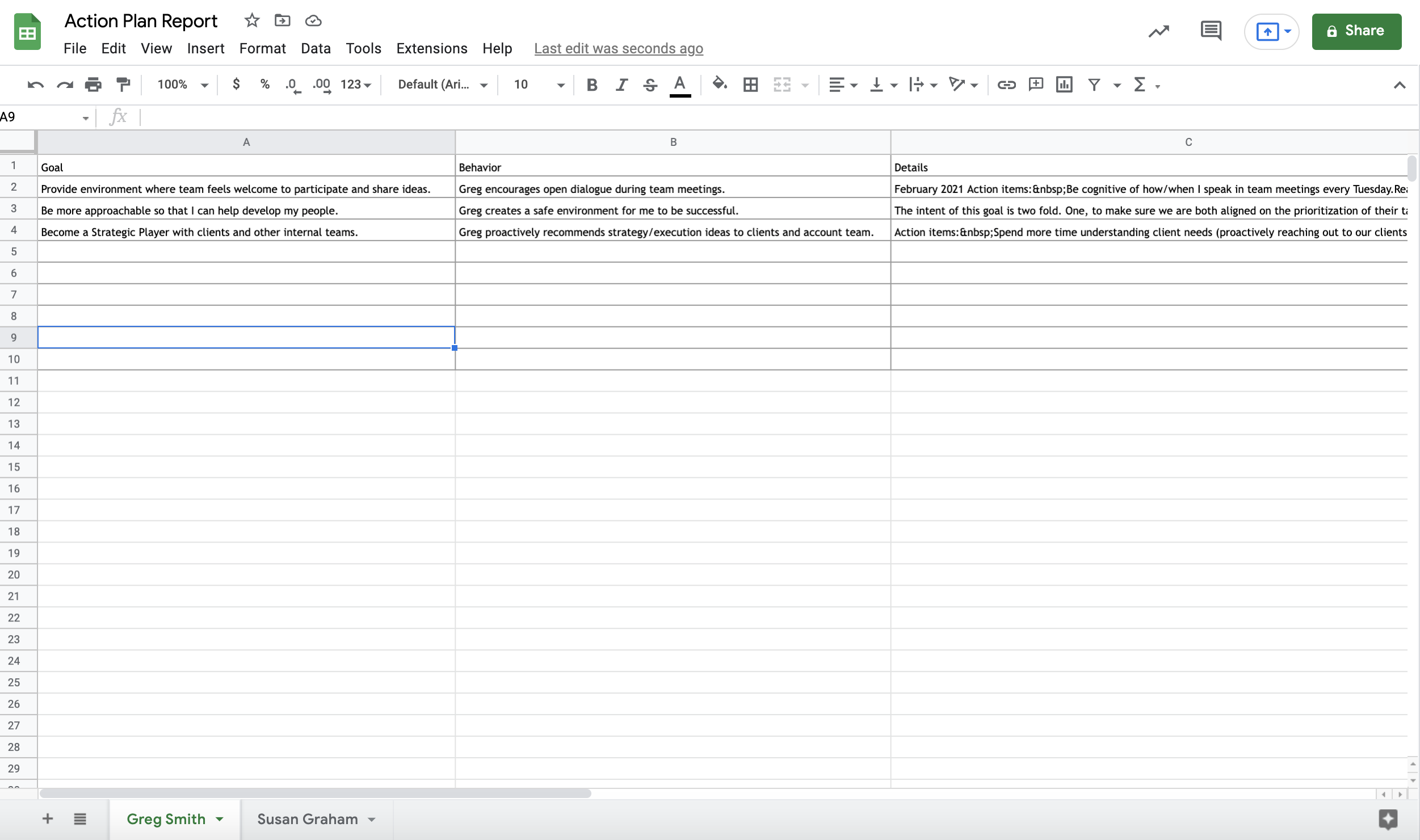
The Action Plan Report is a great way for Coaches to download and share the Action Plan in its entirety or edited as appropriate.
The Action Plan Report includes the following fields for the Participant(s) selected:
Goals
Behaviors
Details
Date Created
Running an Action Plan Report
Coachmetrix Reports are accessible by clicking the Reports link in the black bar at the top of the page.
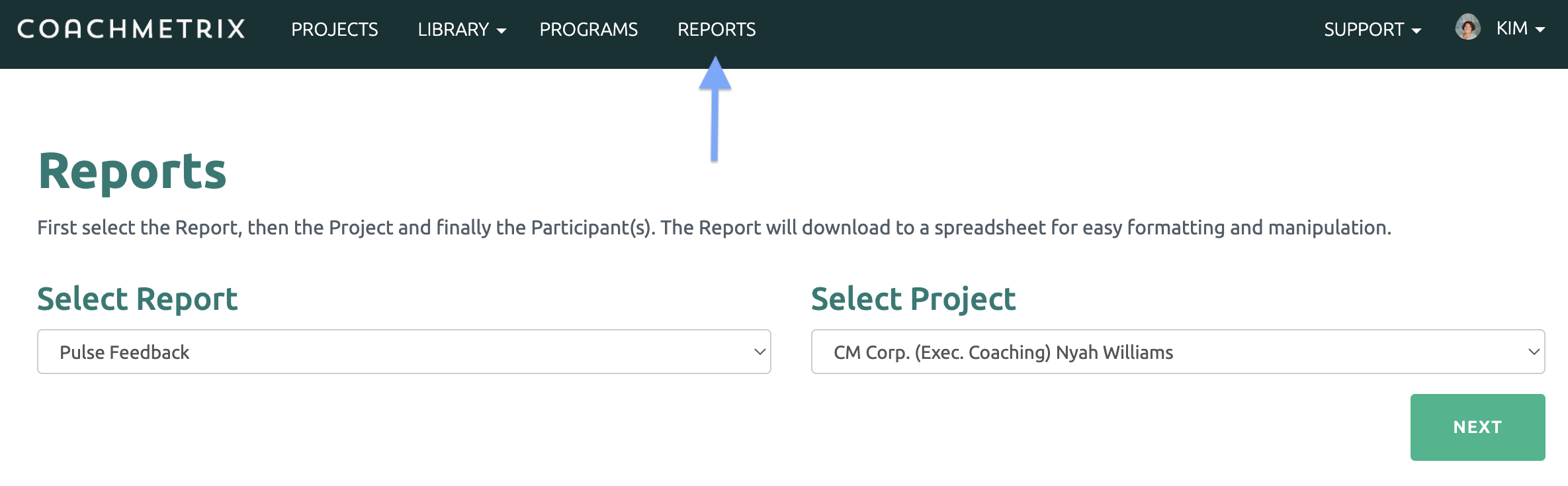
The available reports are listed in the drop down. First select the Pulse Feedback Report, then select the Project from the drop down menu. A coach can run a Report on any of their current or former projects.
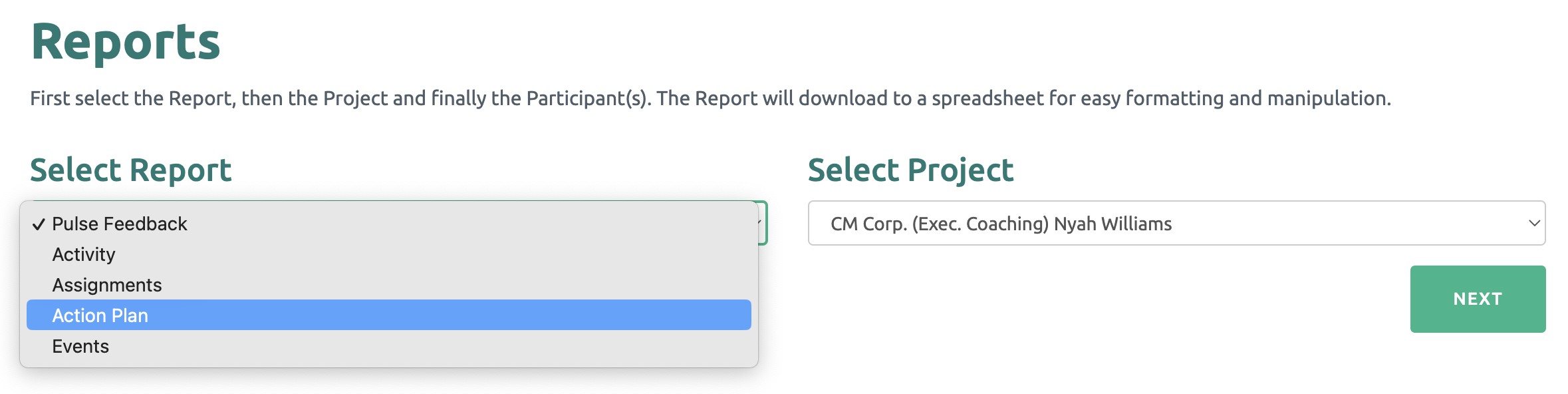
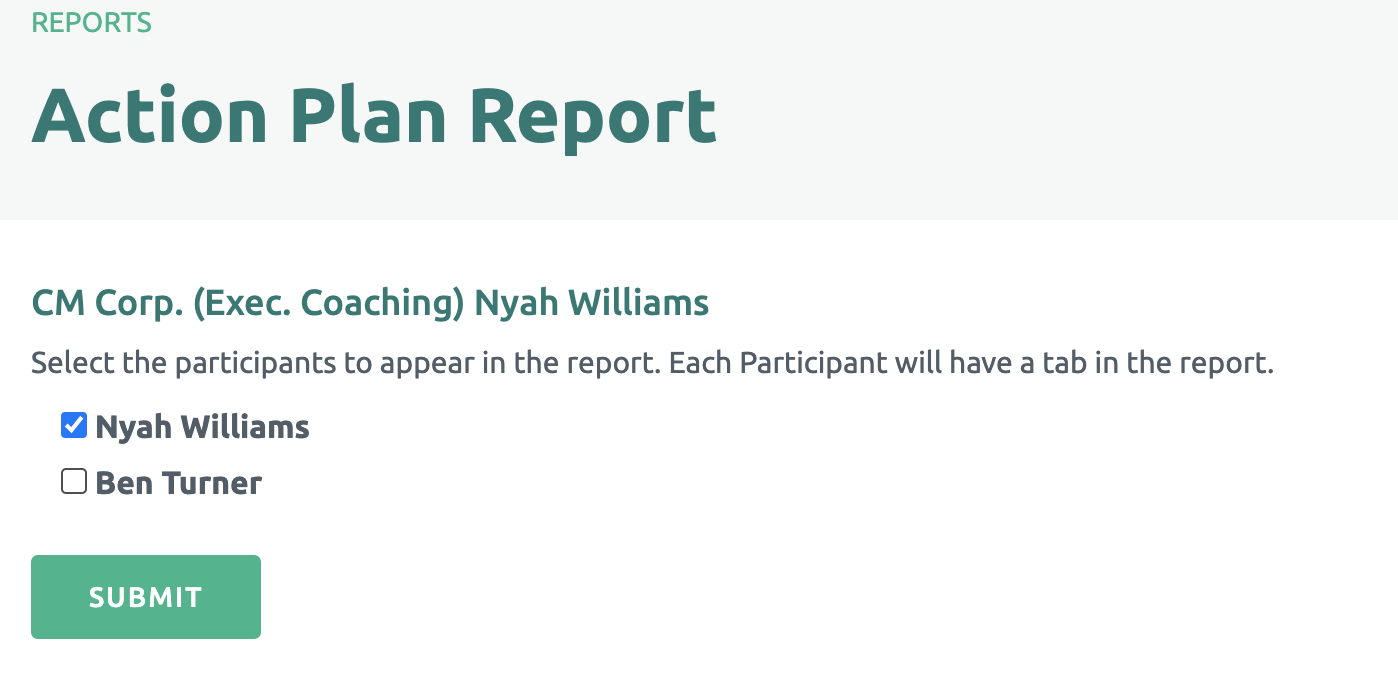
Once a project is selected, click the Next button. A list of all Participants in the Project will be displayed. Select the Participant(s) and click the Submit button.
The data will download to a spreadsheet for review and easy formatting / manipulation.
Each Participant is displayed on a separate tab of the spreadsheet.