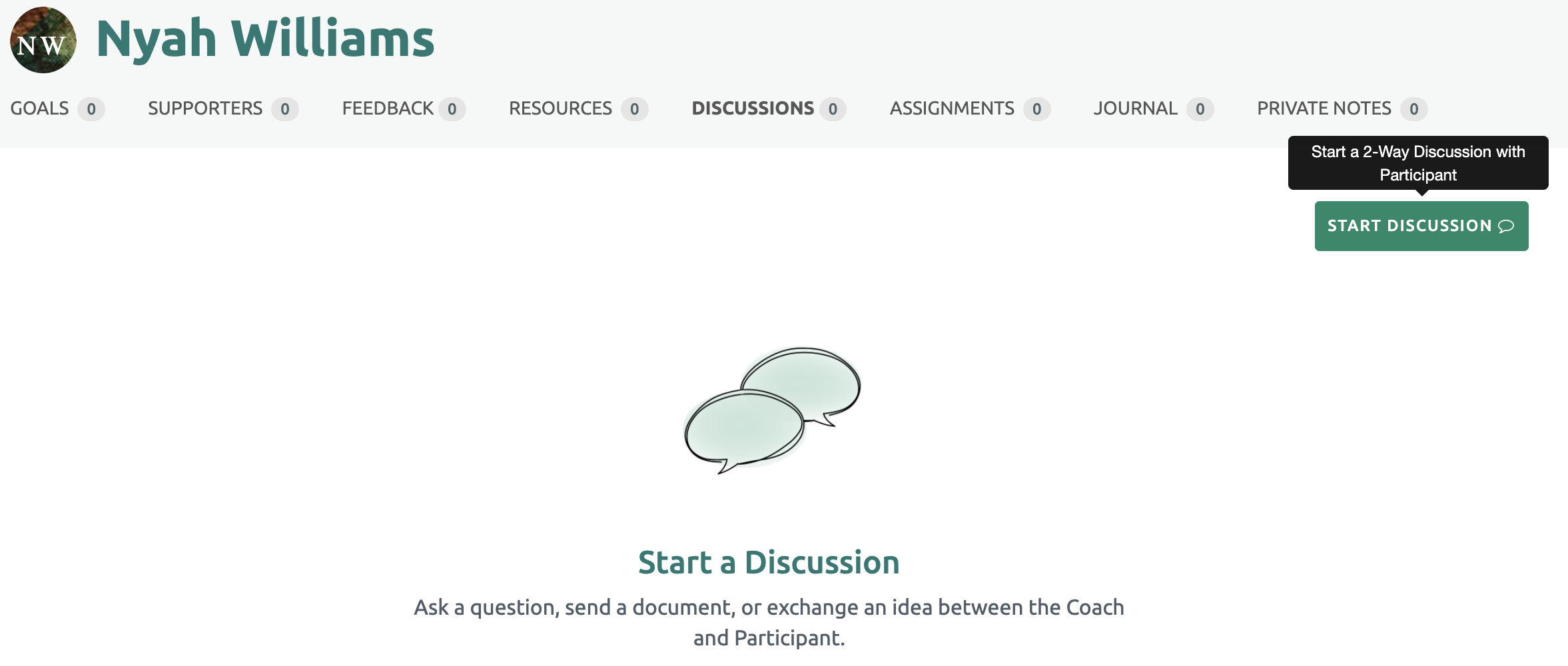
To begin the Discussion, select the participant you wish to begin a discussion with on the project page. Click the discussions quick link under the participants page.
Click the "Start Discussion " green button on the upper right side of the page.
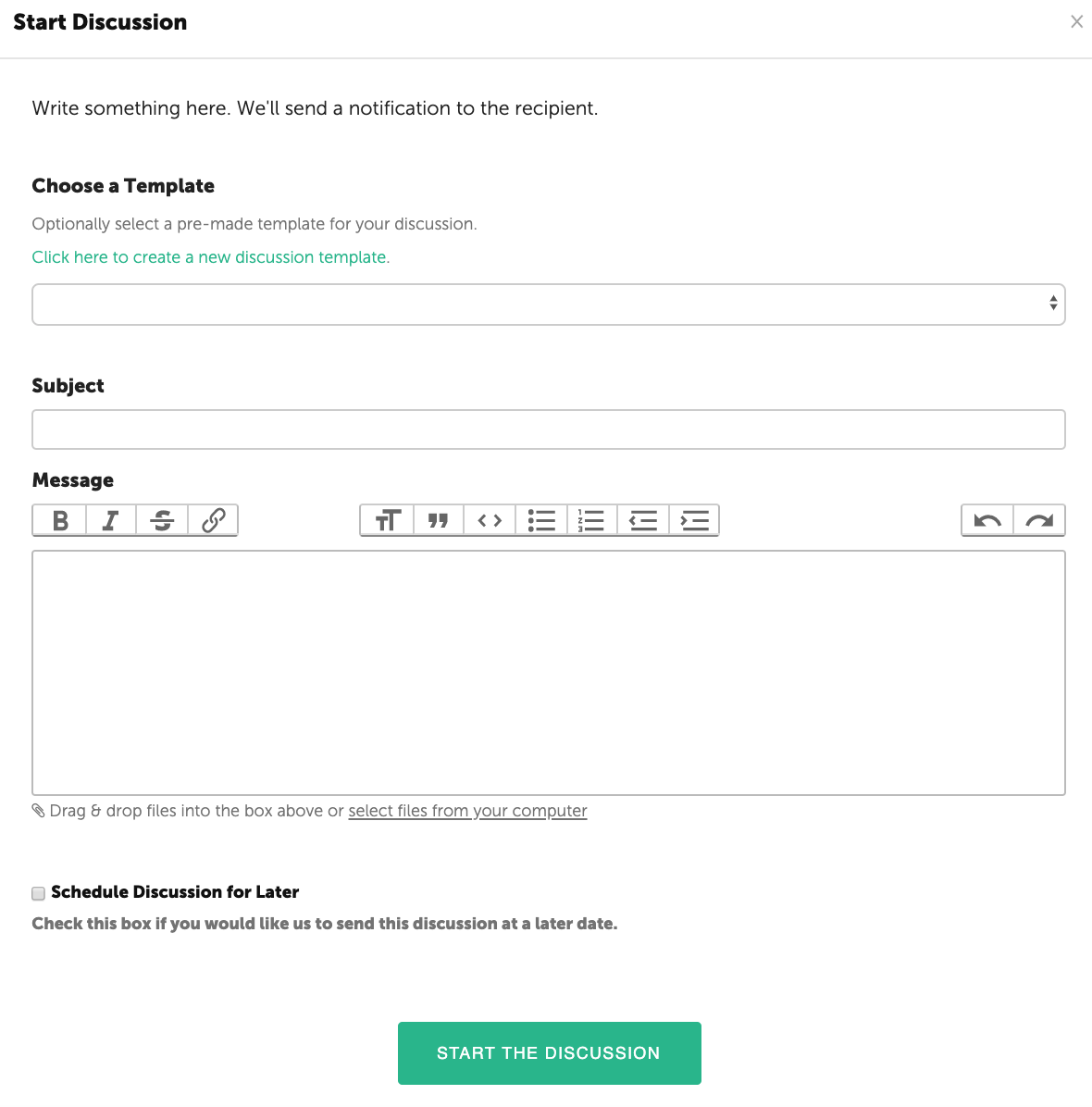
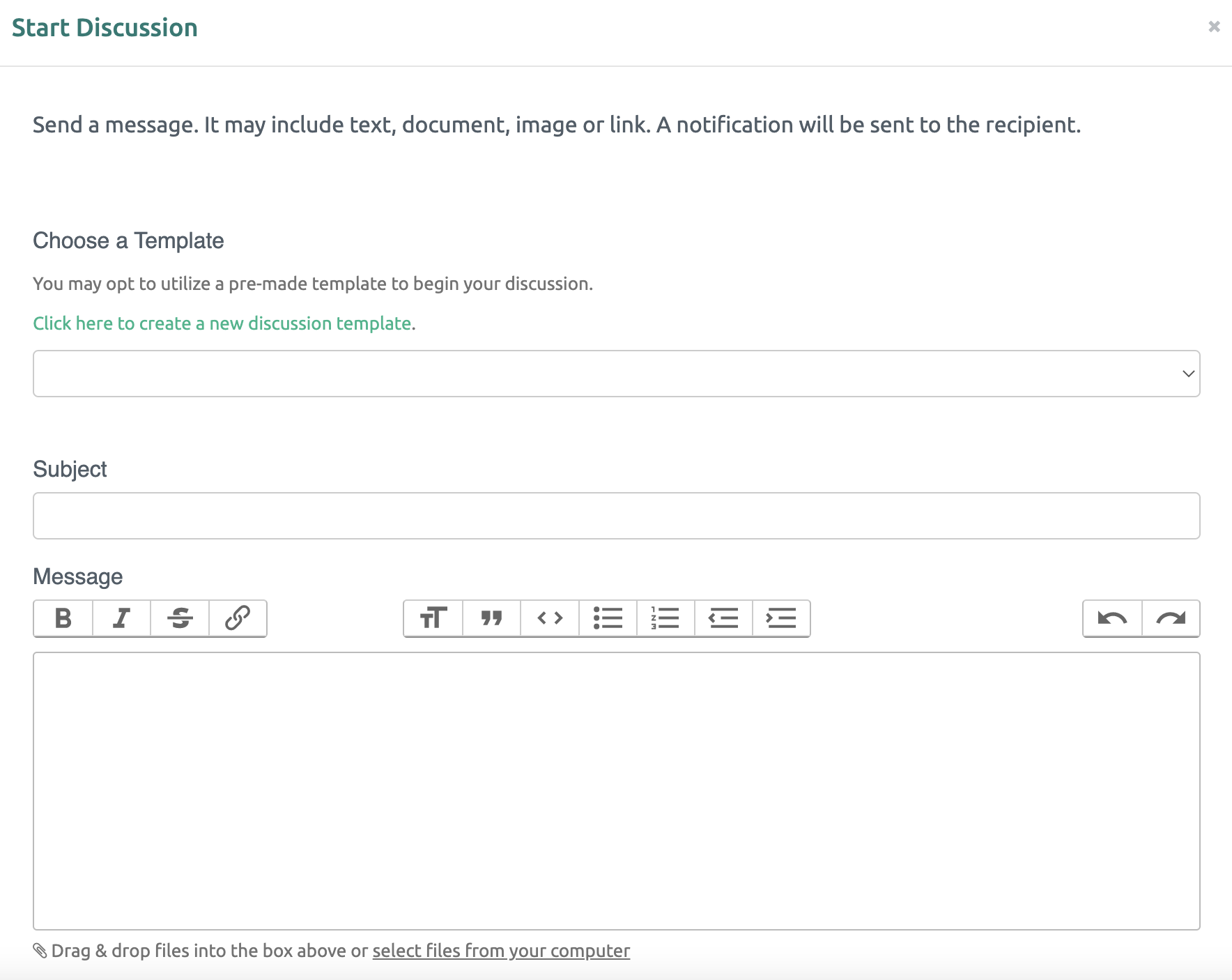
Next add a Subject and message. You may also choose to cope the discussion for other participants.The message may contain text, images, video clips or attachments. Once populated, select the "Submit" box at the bottom of the window.
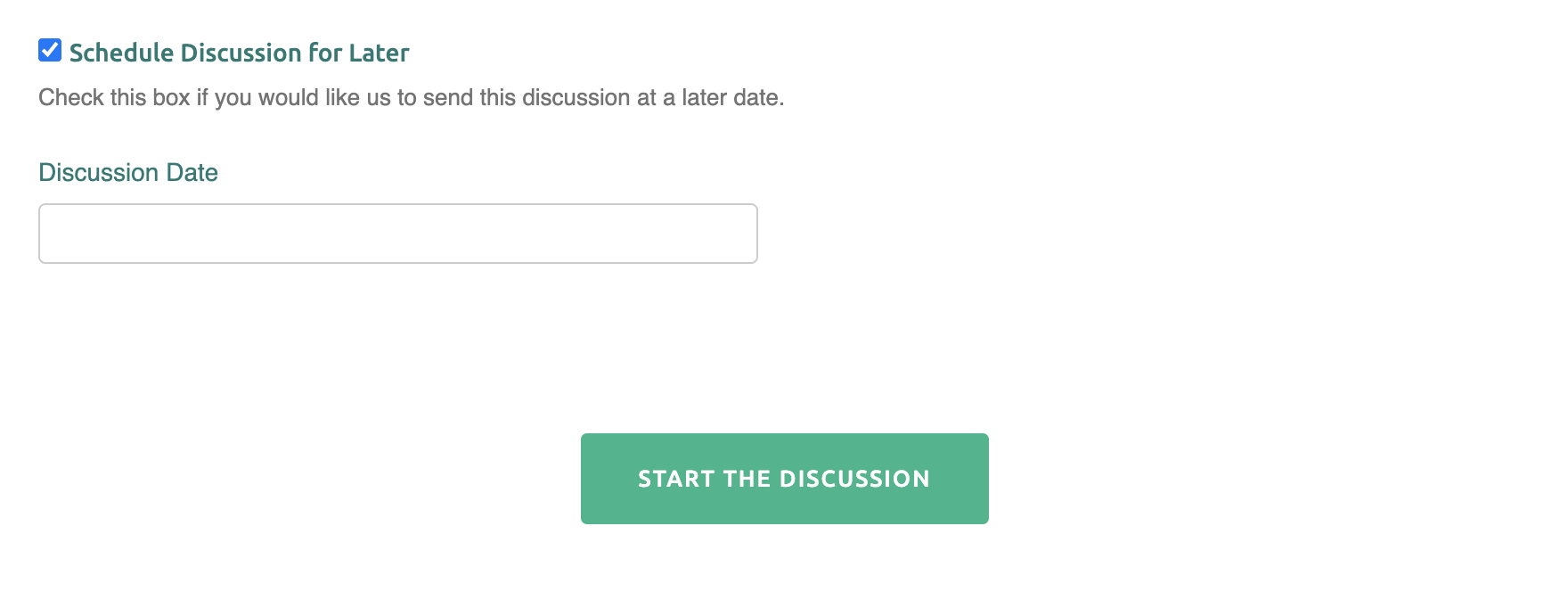
The Discussion can be sent immediately or scheduled for a later date. The “Schedule a Discussion for Later” feature creates an automated nurturing sequence throughout the coaching engagement. Simply check the box and a calendar will appear. Select a future date when the message will be delivered to the Participant. Finish by clicking the "Start the Discussion" box at the bottom of the page.
Utilizing a Discussion Template
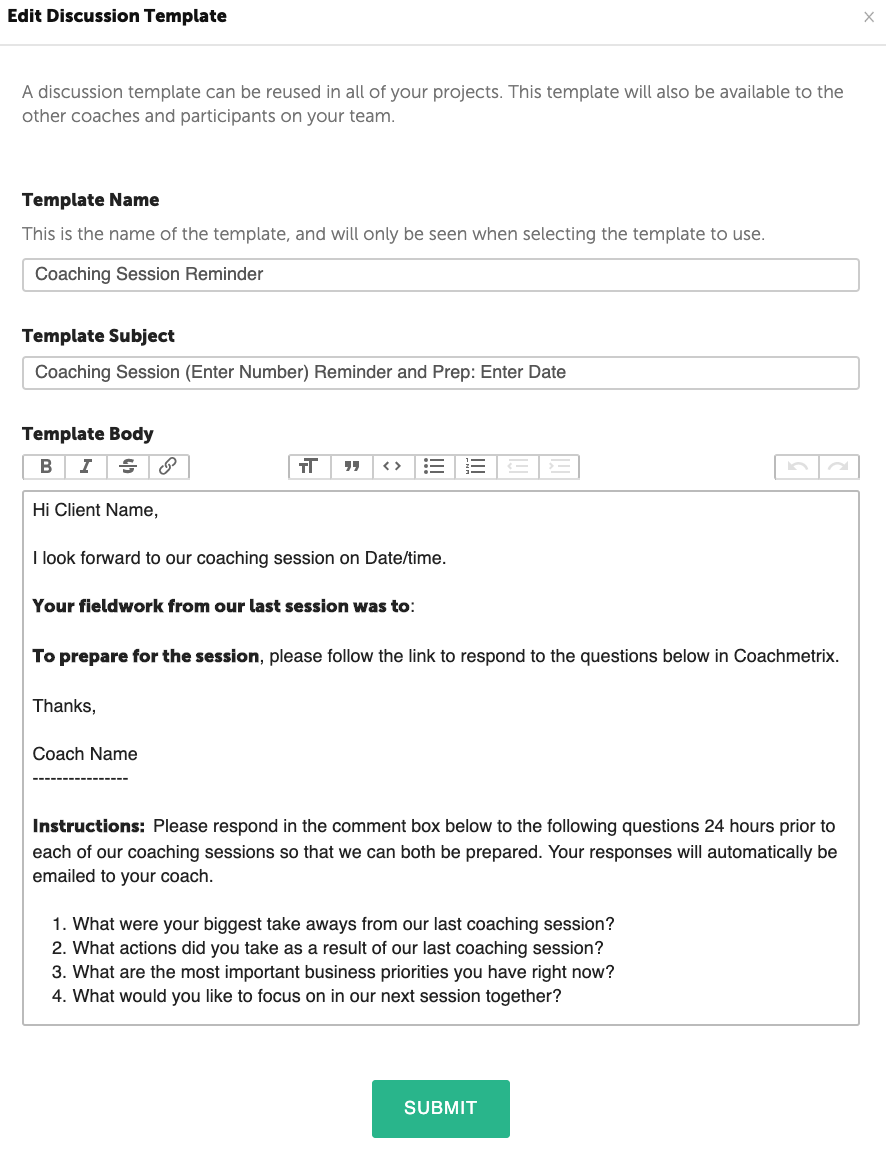
First select a Participant. Next select the “Add Discussion” green button on the right side of the page. The pop-up window will display a drop down list of available Templates. A new Template may also be created by click the green link.
The Templates can be modified to customize the message for individual clients.
The Discussion can be sent immediately or scheduled for a later date. The “Schedule a Discussion for Later” feature creates an automated nurturing sequence throughout the coaching engagement. Simply check the box and a calendar will appear. Select a future date when the message will be delivered to the Participant. Finish by clicking the "Start the Discussion" box at the bottom of the page.
To create a discussion, first navigate to the Participant's page.
Then select the discussion bubble in the upper right on the Participant’s page.
The Coach or Participant can add a discussion title and details. An email is sent to the Coach or Participant with the discussion content. Files may be inserted from your computer into the text box. Once your message is complete, click the green button at the bottom to start the discussion.