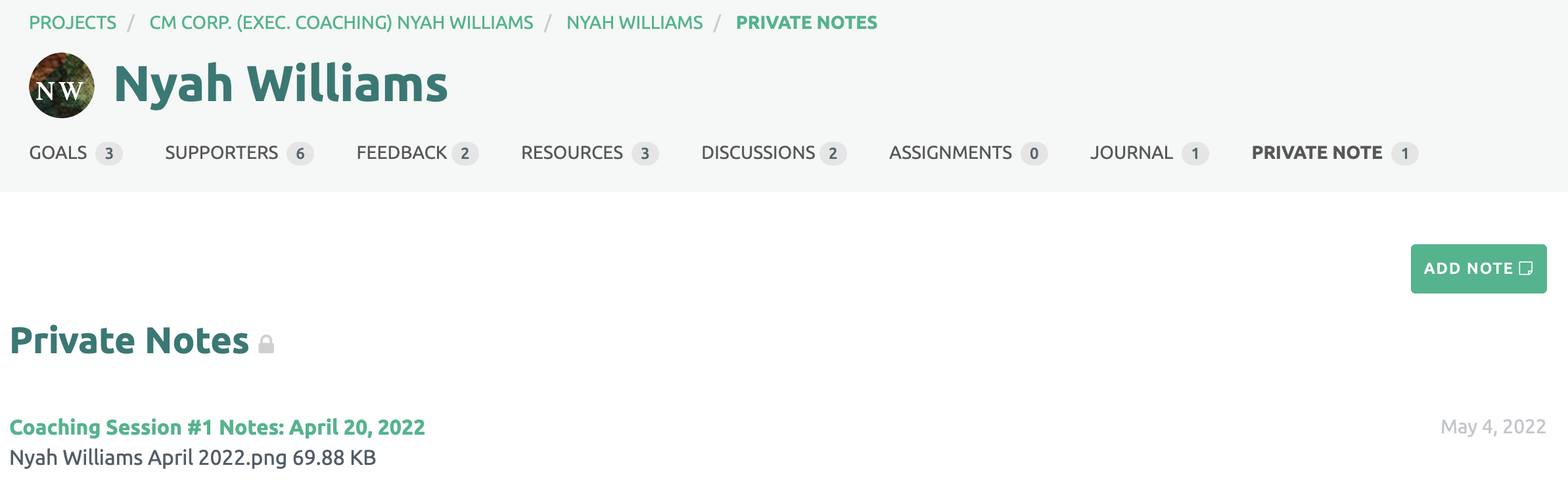
Private Notes are confidential to each Coach, even if there are multiple Coaches assigned to an account.
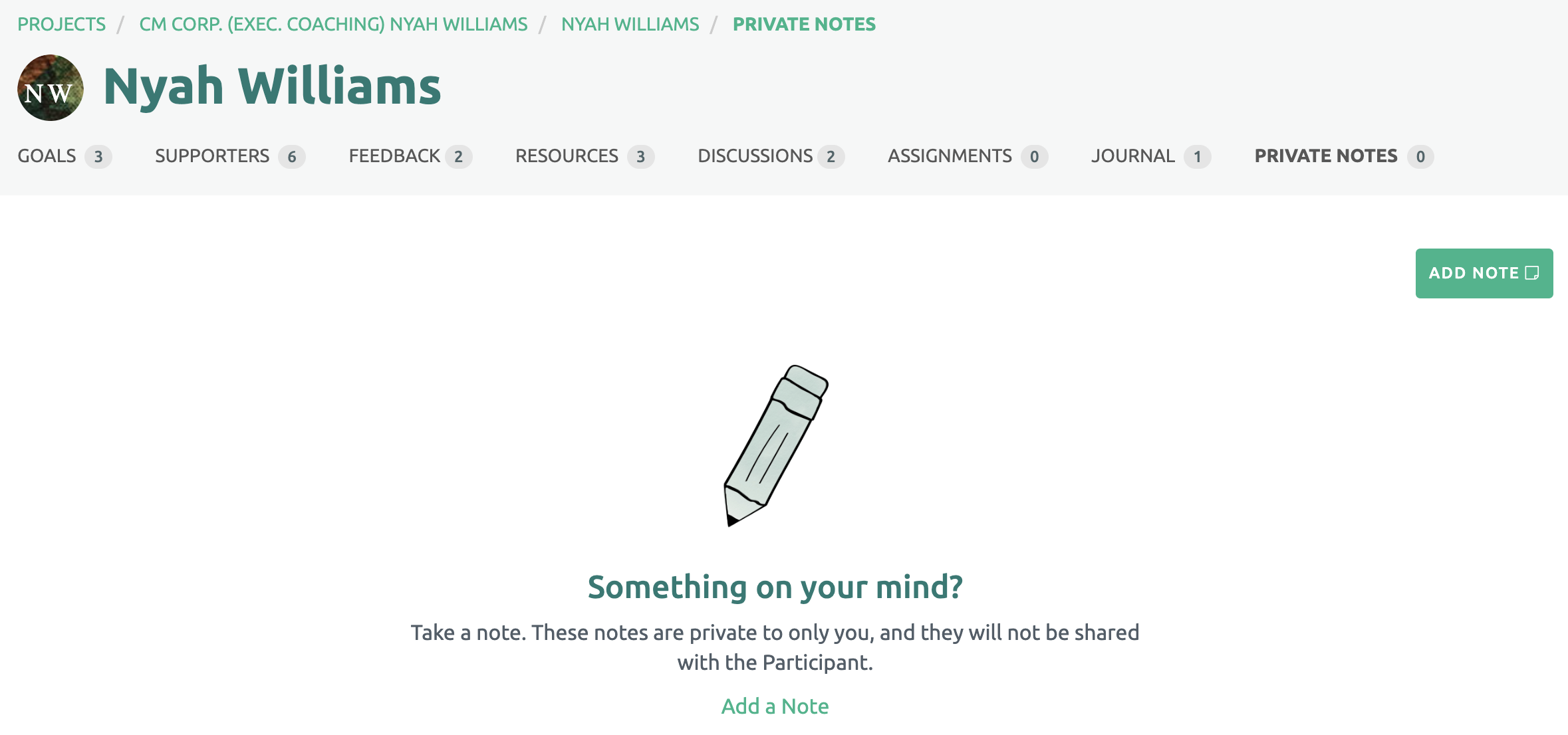
To create a Private Note, click the "Add Note" green button on the right side of the page.
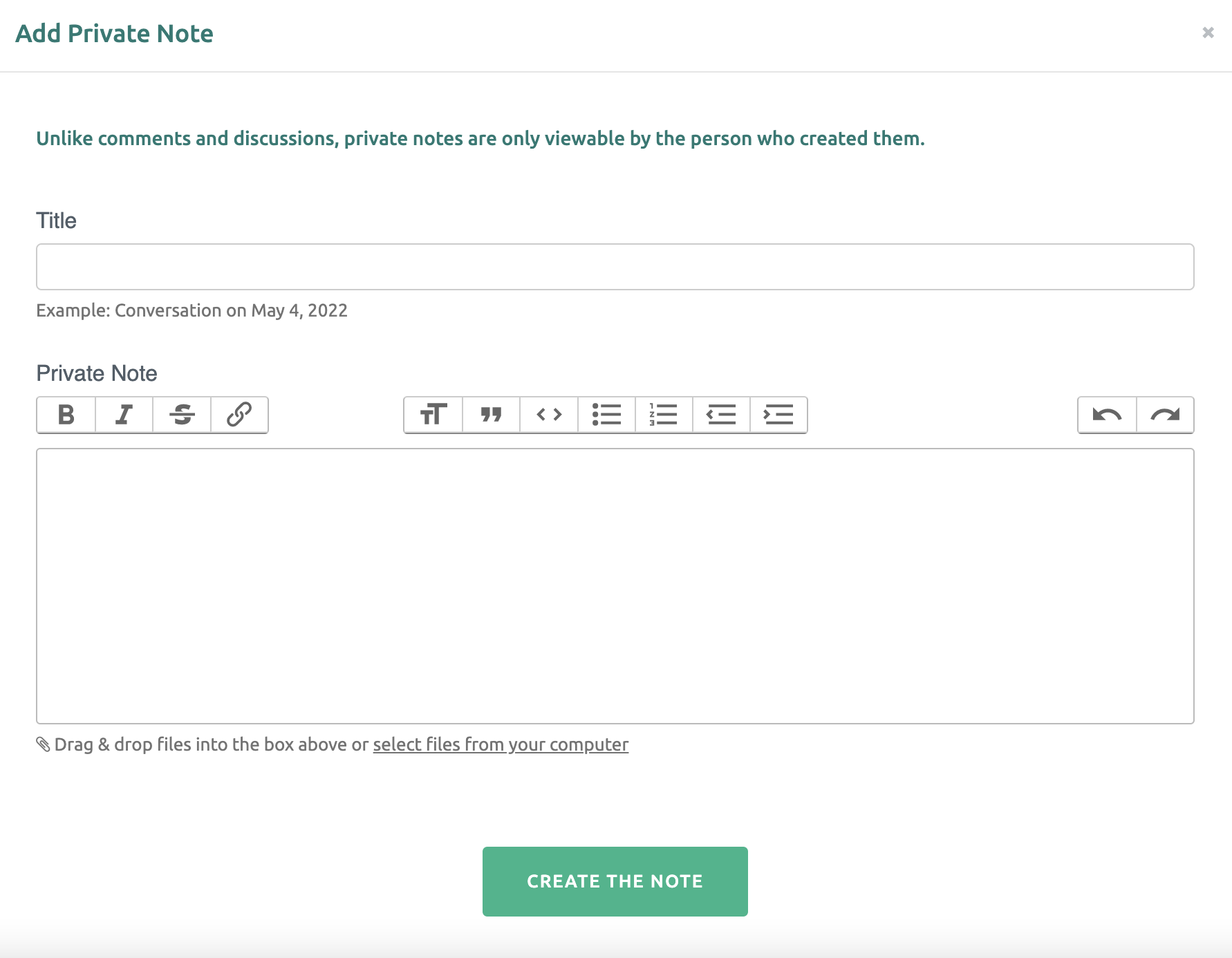
Next add a title and content in the box. The Private Note can include text, images, video and/or files. When finished, click the "Create the Note" green button at the bottom.
The list of Private Notes are displayed chronologically with the title and created date.