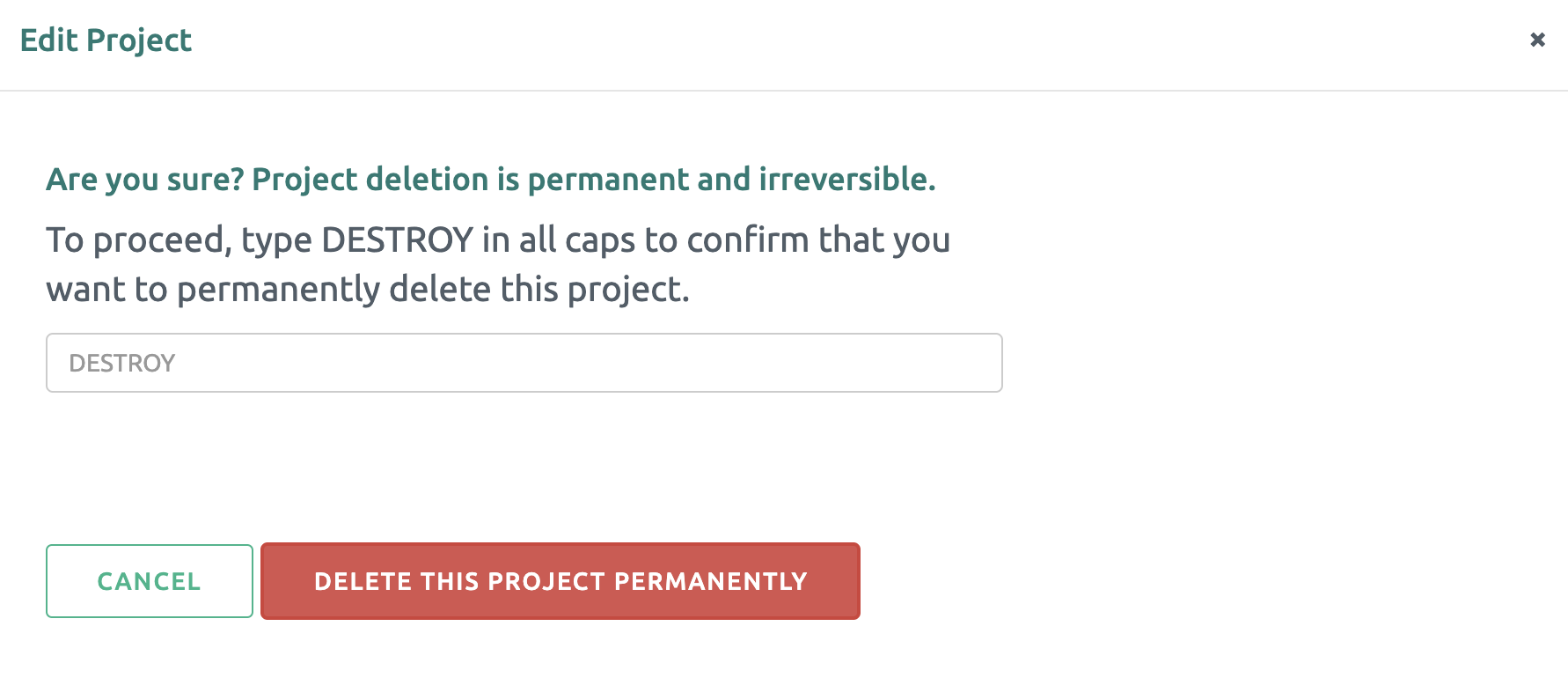
To delete a Project, first navigate to the Project's main page by selecting the appropriate tile.
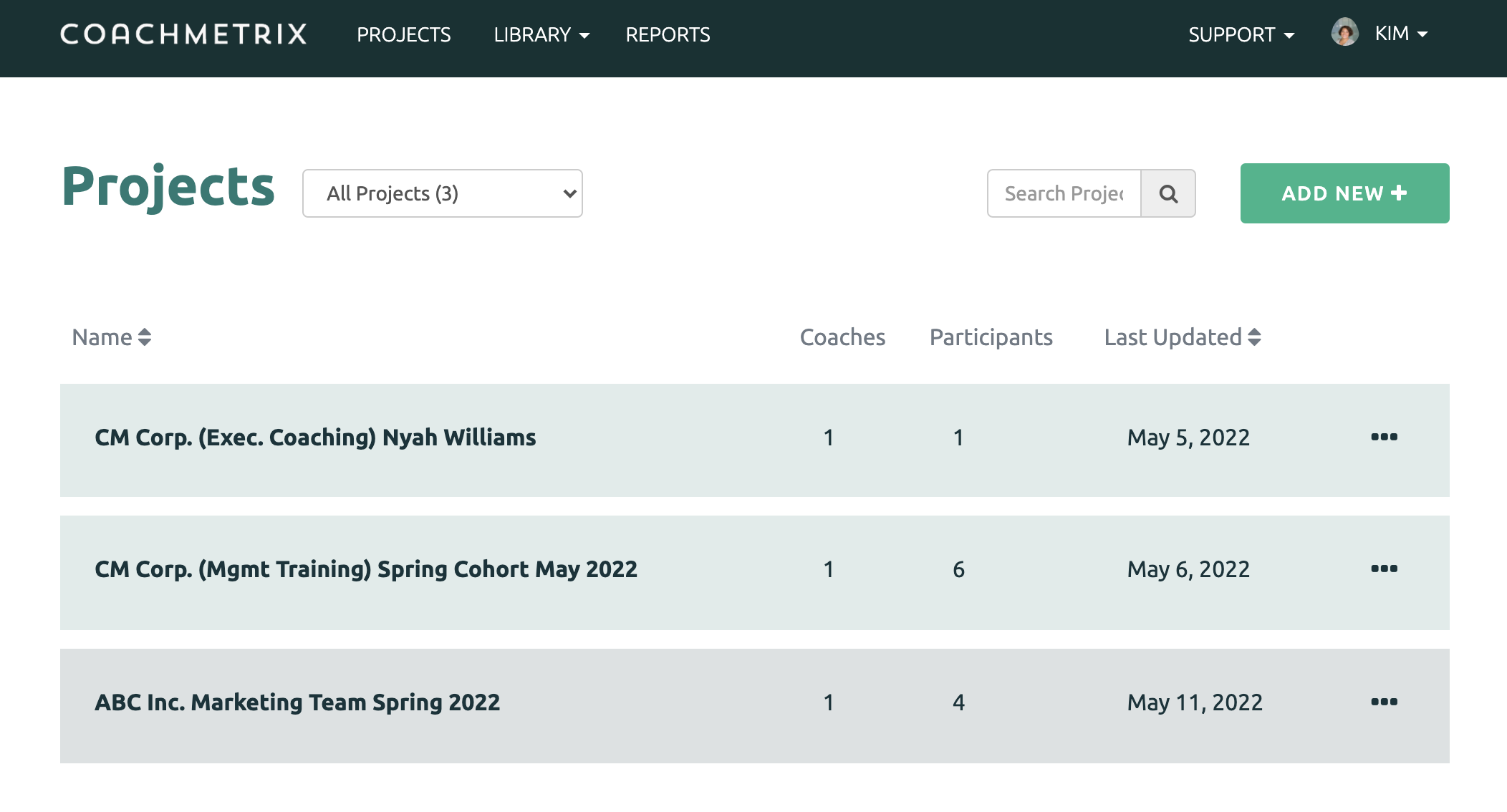
Next, select the green 'edit project' button in the upper left corner of the Project's page.
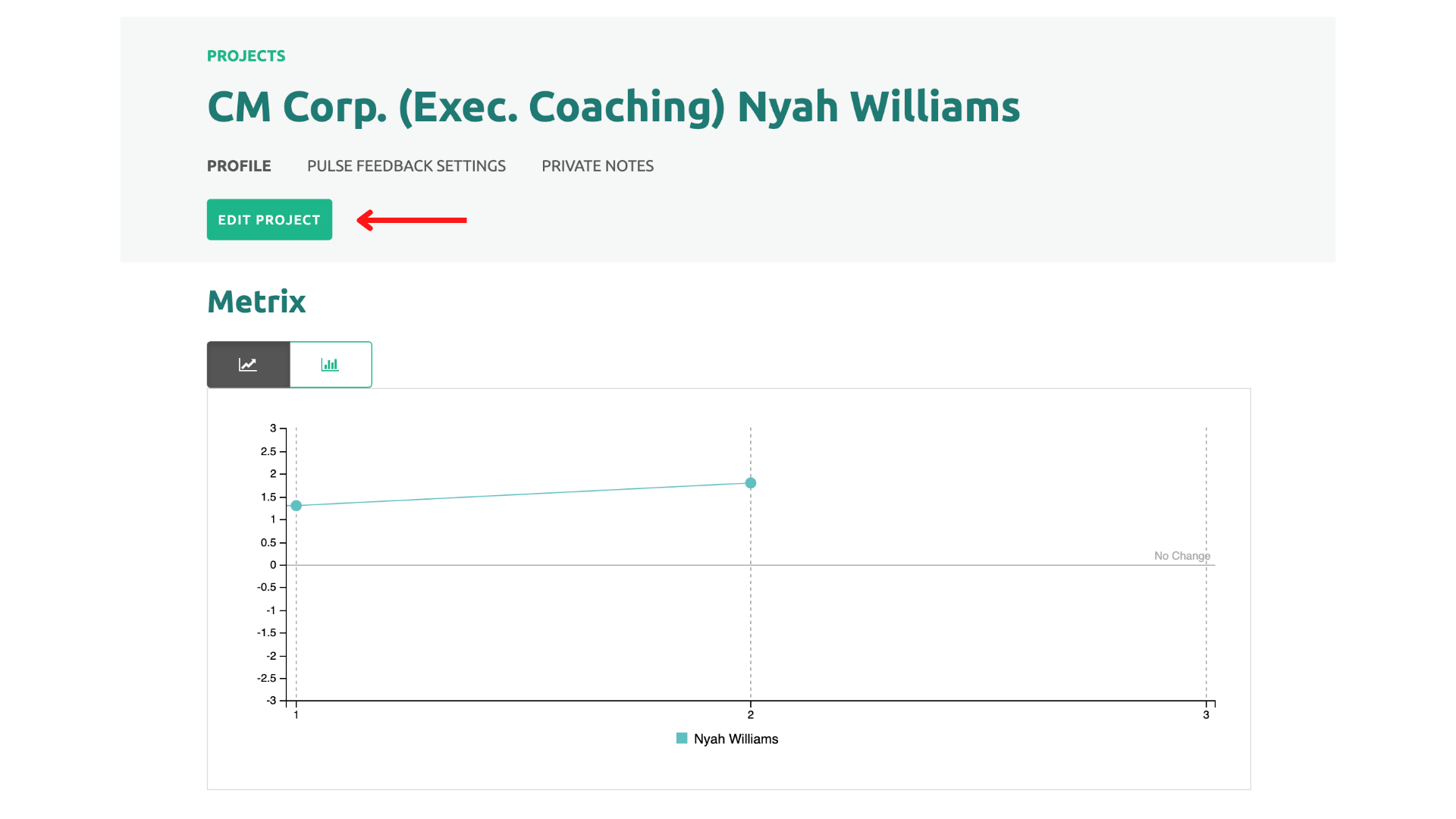
In the next window, select delete.
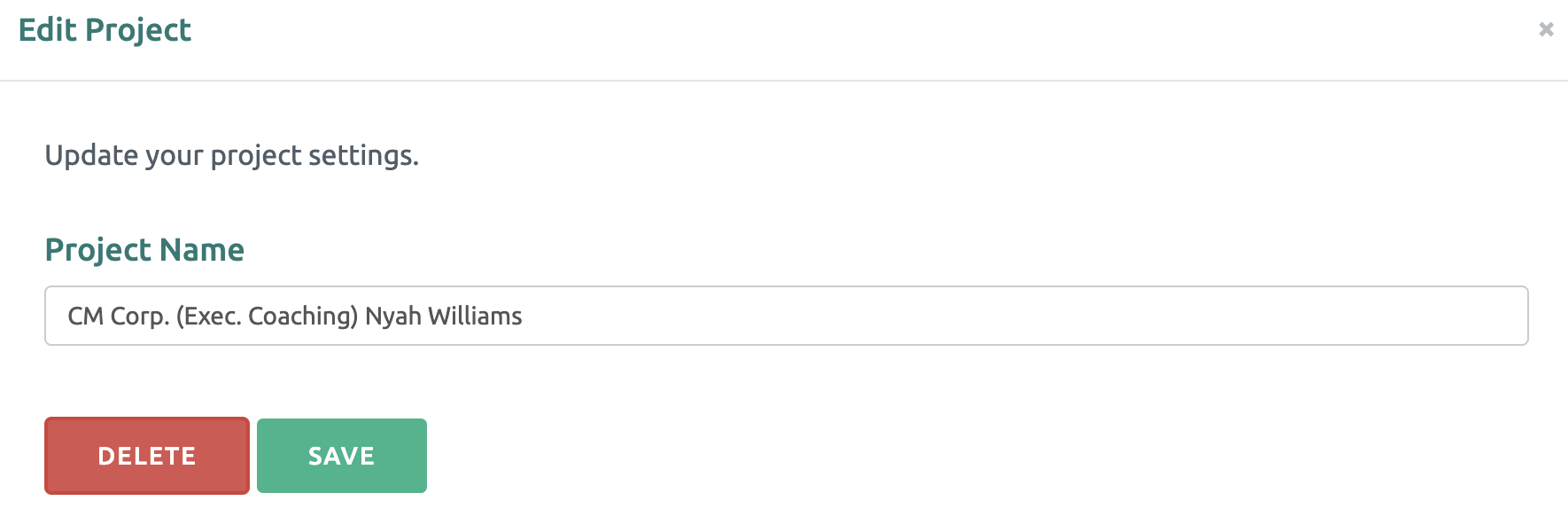
Type DESTROY in all caps and click “Destroy this Project Permanently”.