

Pulse Feedback automation can be disabled (or paused) at any time. This could be valuable if you need more time between Pulse Feedback rounds or to pause indefinitely.
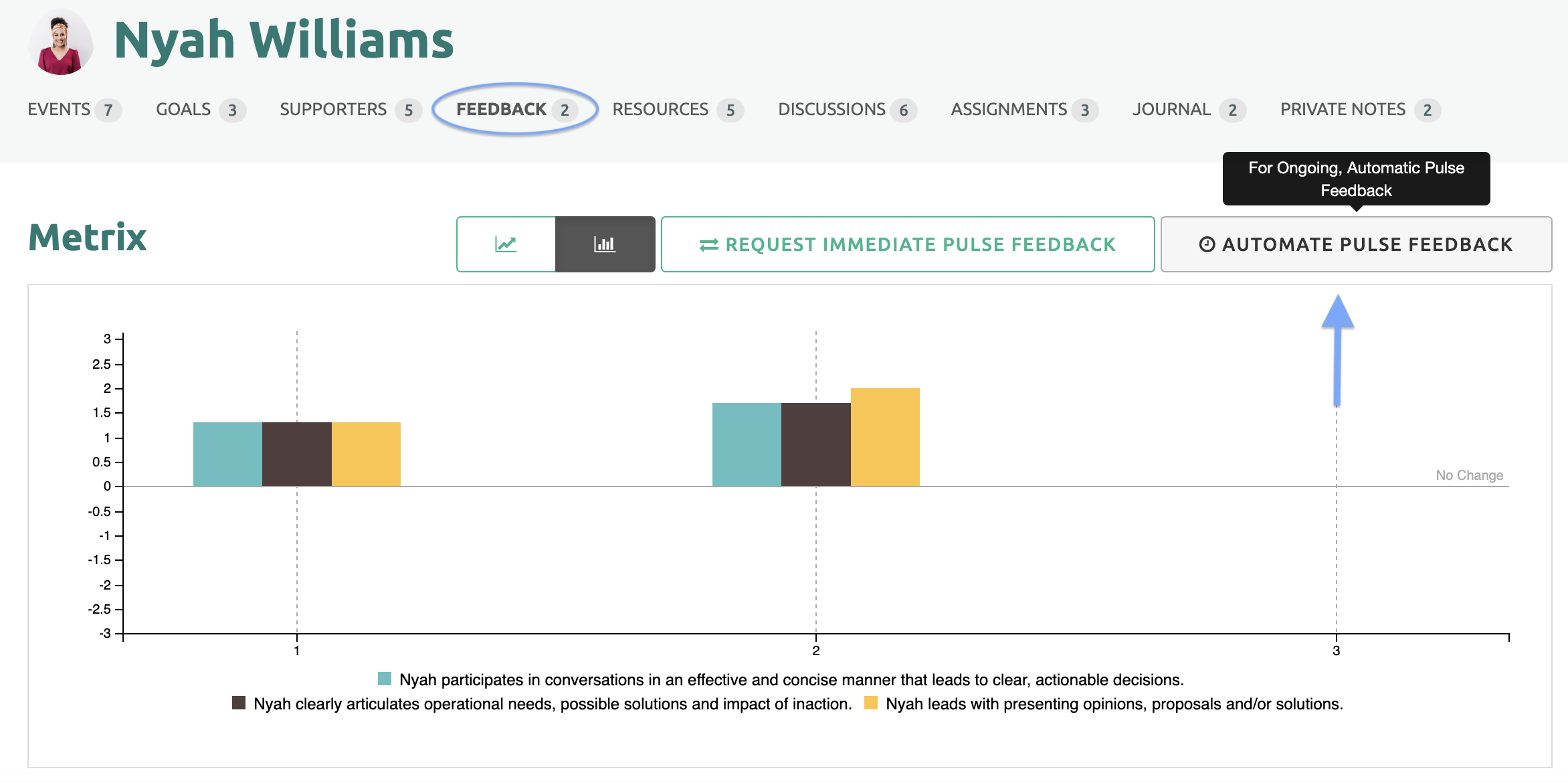
Start on the Participant's page and select the Feedback link. Then click the Automate Pulse Feedback button on the right.
Un-check the "Enable Automatic Pulse Feedback Requests" box and click Save. This will stop the automated process.
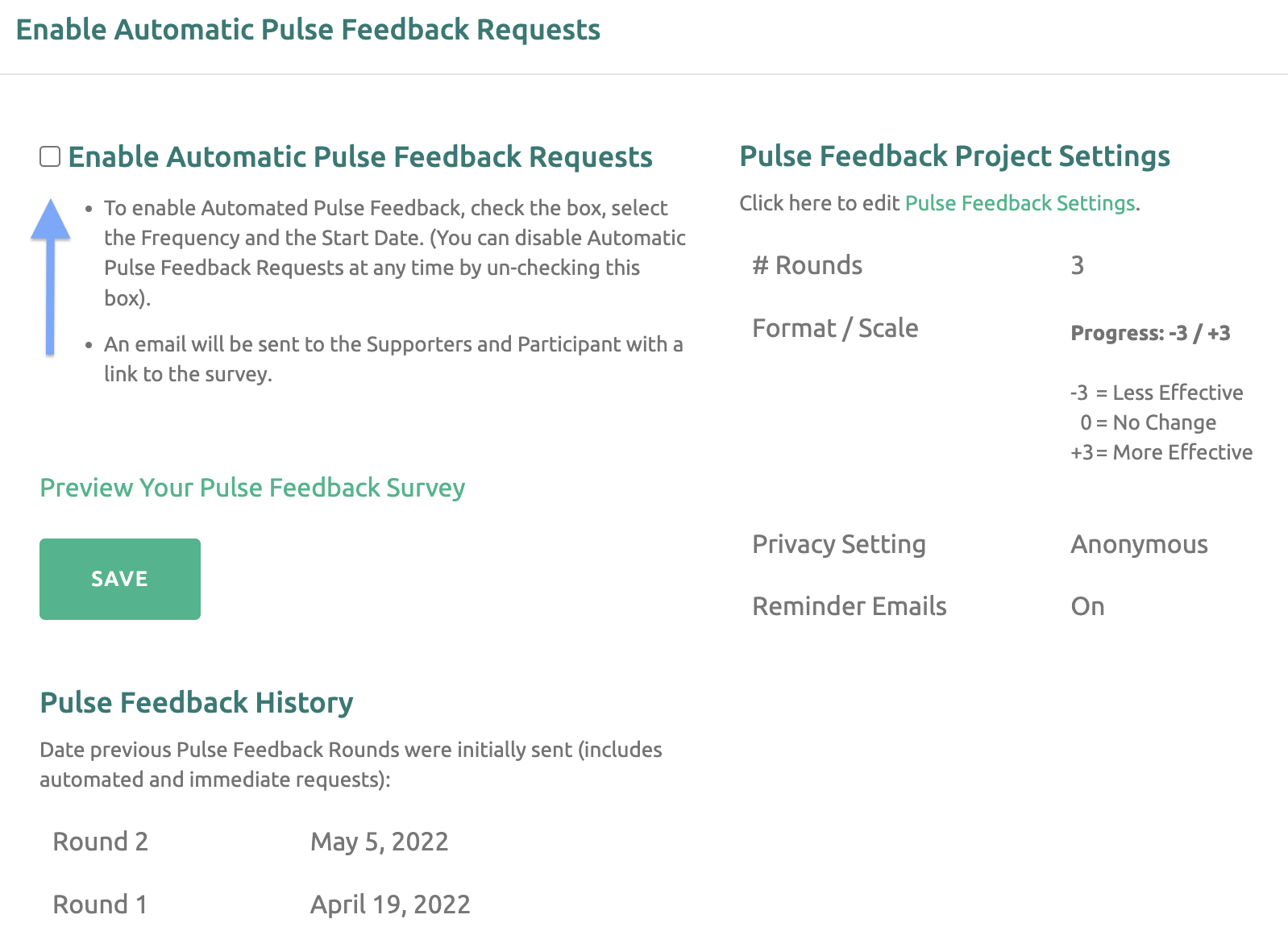
When you are ready to restart, check the box again and populate a new resume date. Then click Save.