Logo

How can we help you?

Get help straight from the Coachmetrix support team...

Edit or Delete a Private Note

Private Notes

Edit or Delete a Private Note

Last updated on 06 Nov, 2025

To edit or delete a Private Note, first navigate to either the Participant level or Project level Private Note. 

Image

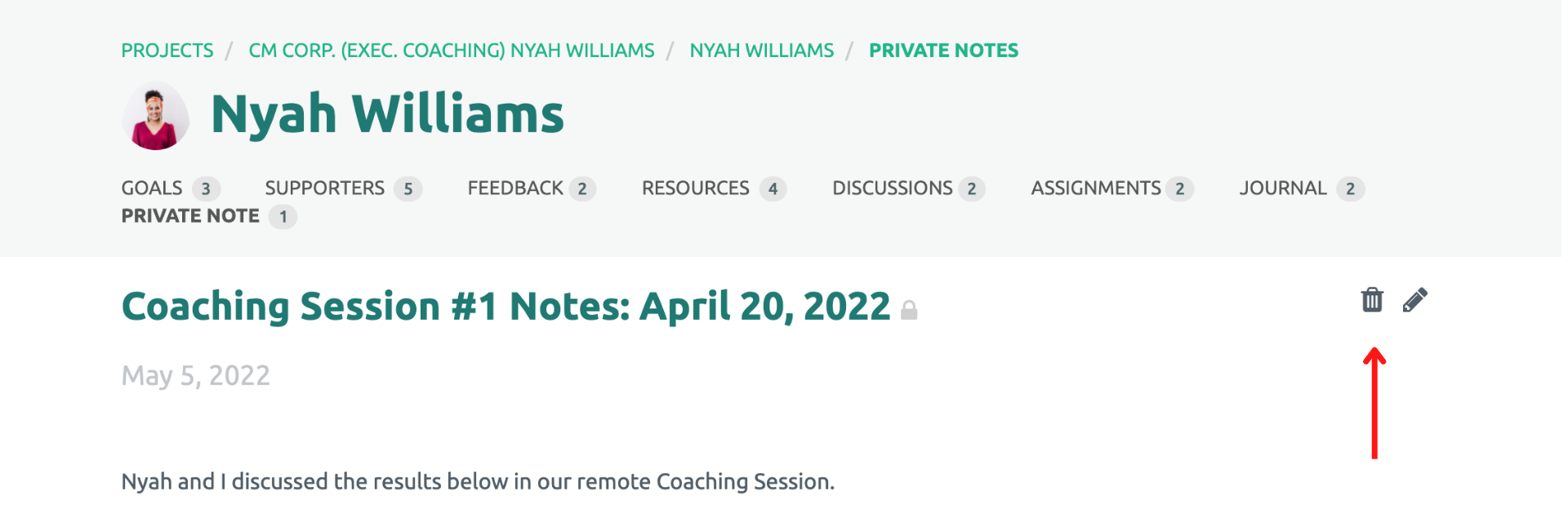
Click into the Private Note, and you will be able to delete it by selecting the trash bin icon, or edit the note by selecting the pencil icon in the upper right corner. 
Image


Did you find this article helpful?
Previous

Private Notes Overview

Next