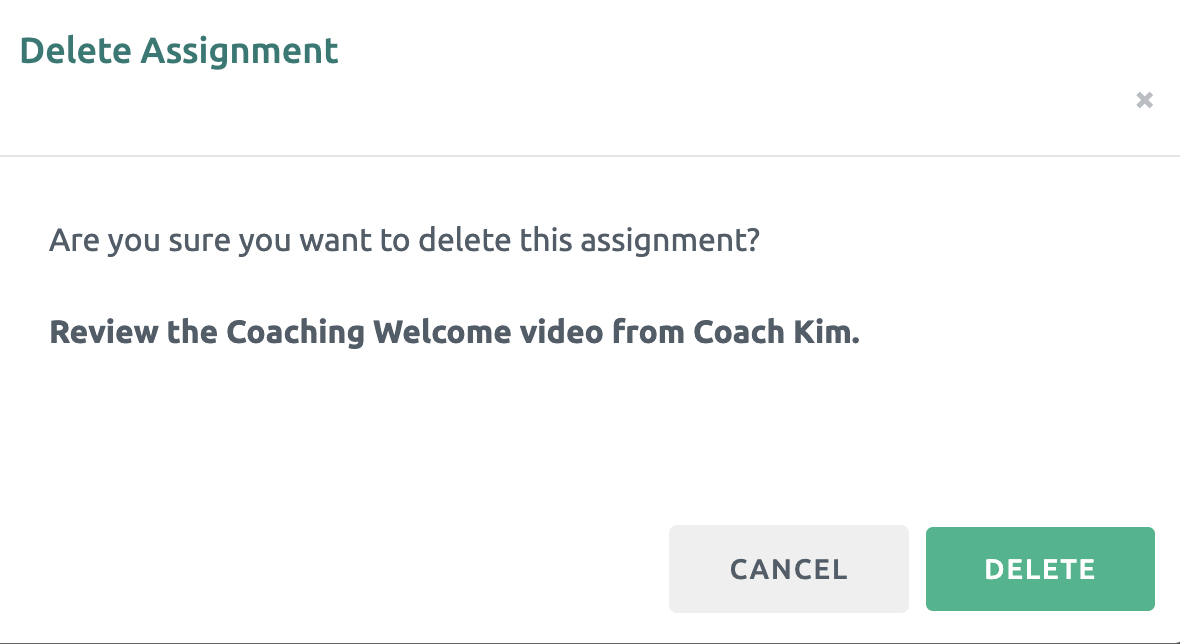
An Assignment within the Library can easily be deleted or edited to share with Participants going forward.
Editing an Assignment
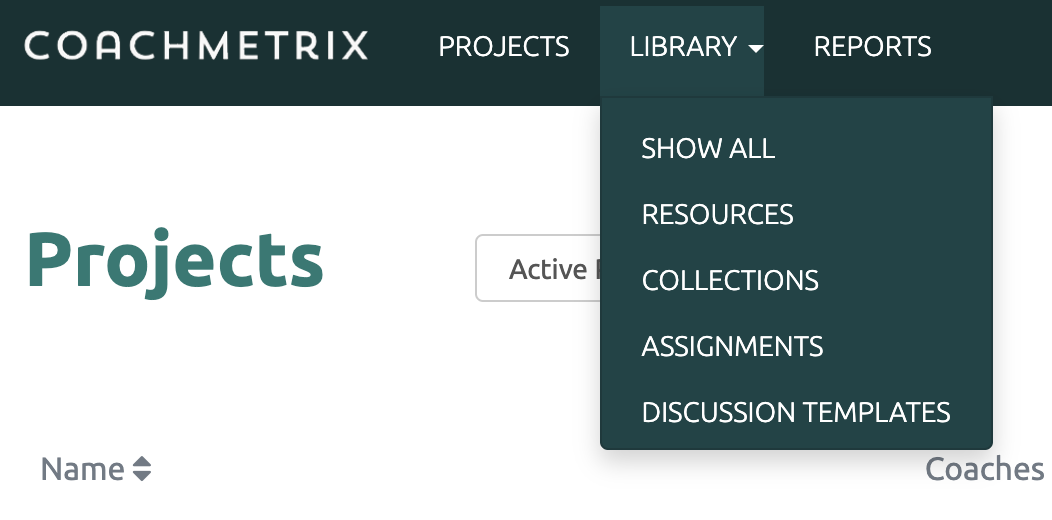
First click on the Library option on the black bar at the top of the page and select Assignments from the drop down menu.
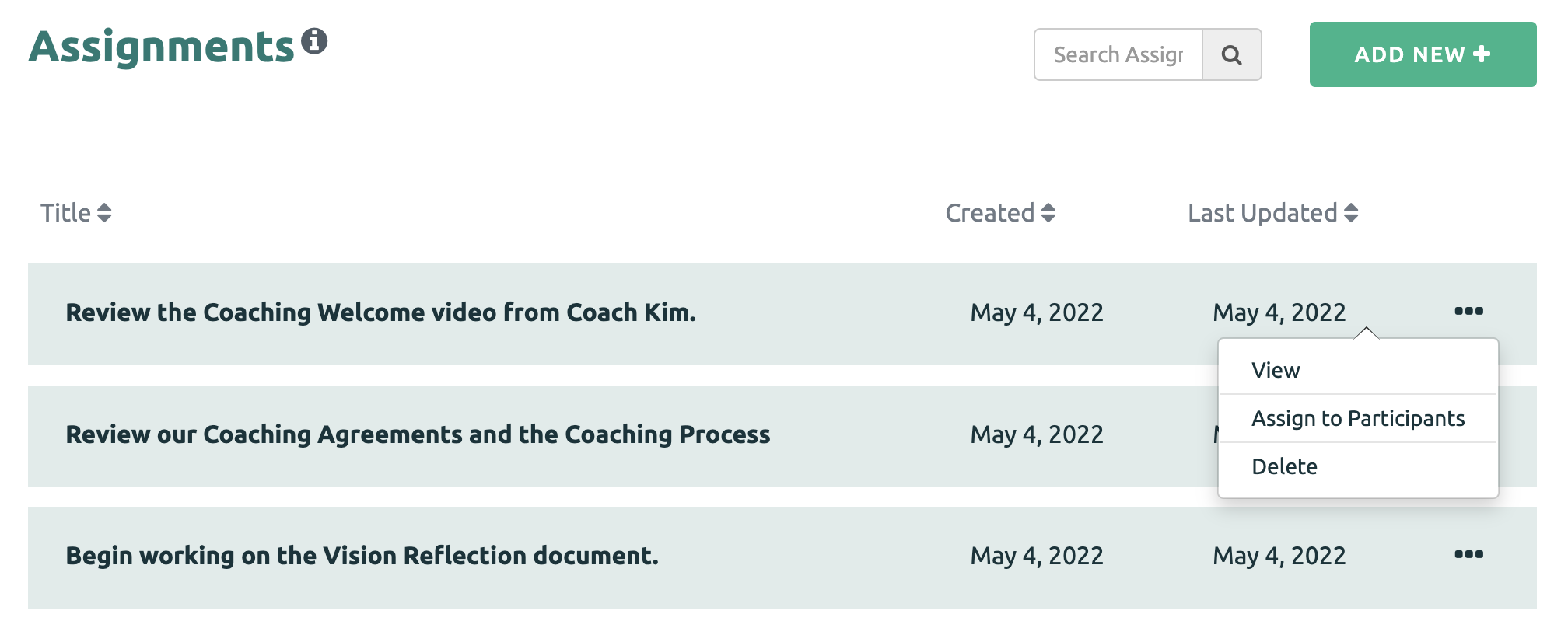
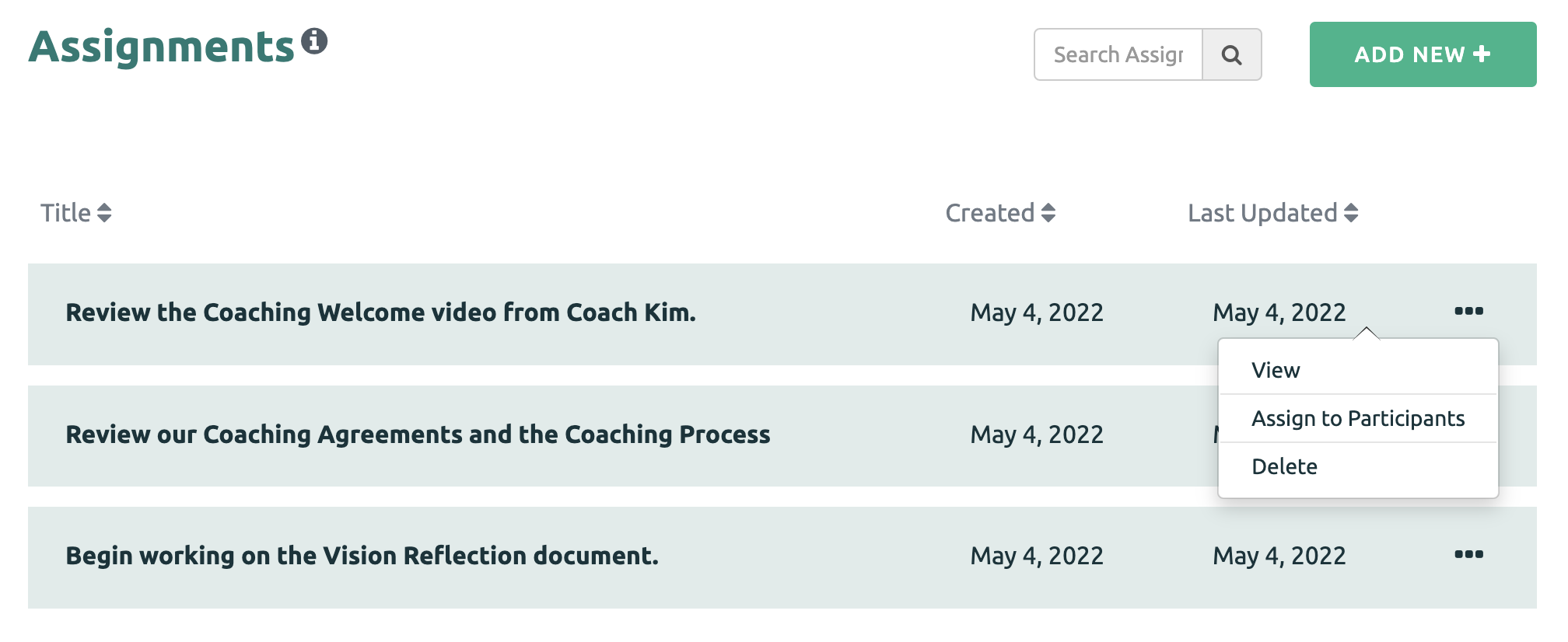
Next click the three dots next to the Assignment, and then select the View option.
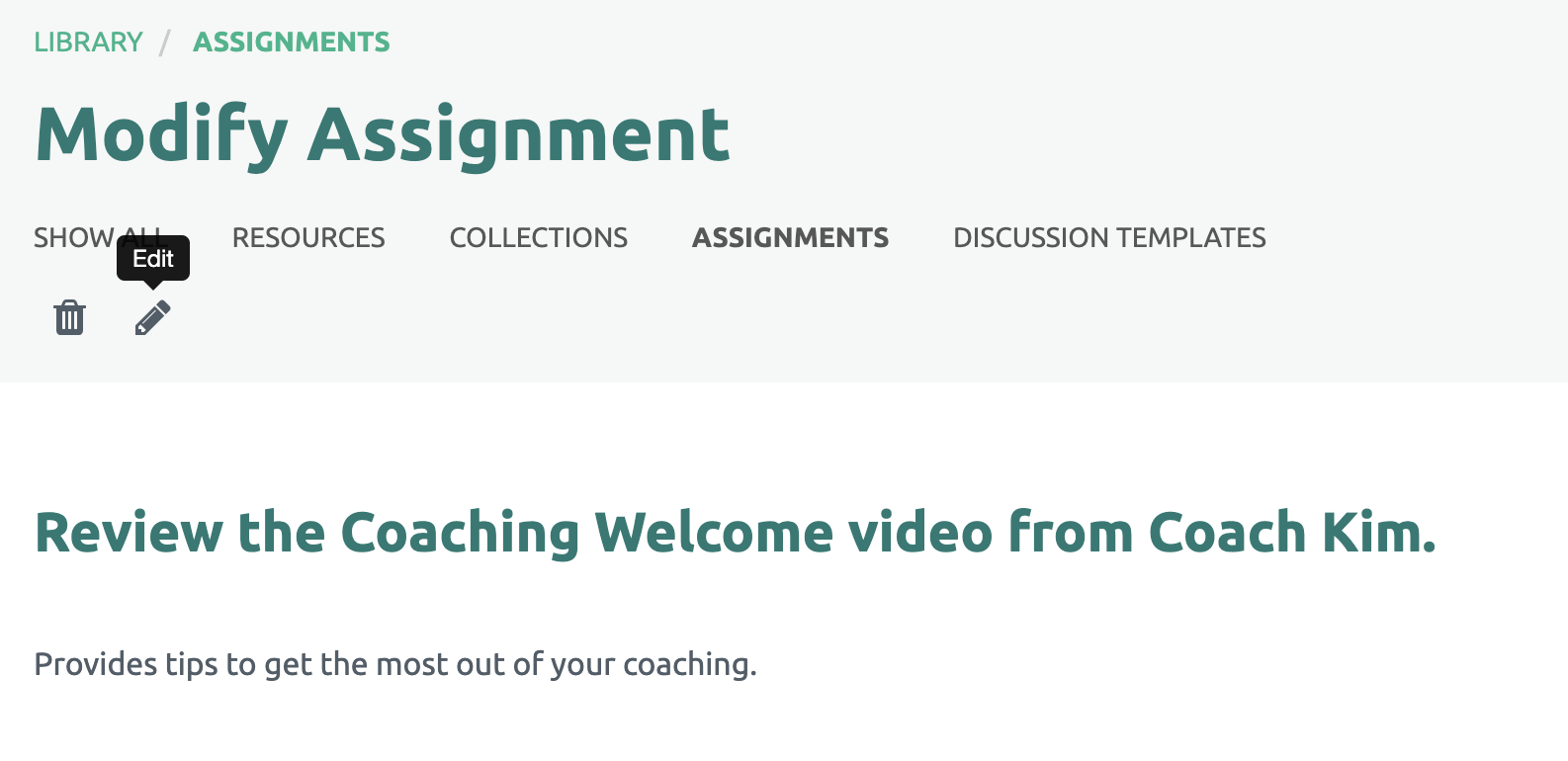
Next click on the pencil icon to edit.
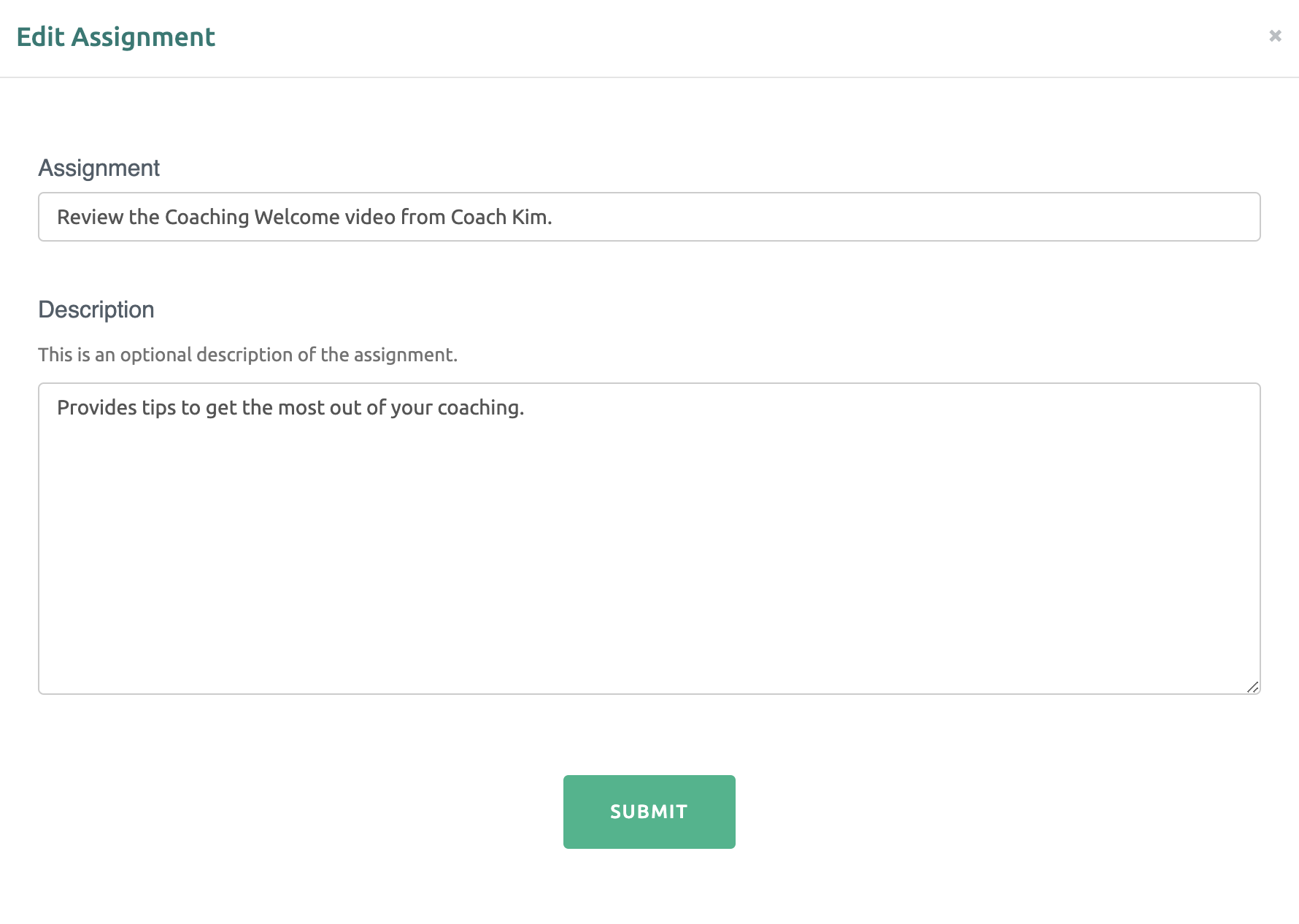
Make your changes and click the "Submit" green button at the bottom to save.
Deleting an Assignment
To delete an Assignment, click the three dots next to the Assignment, and then select the Delete option.
Finally, confirm your request to delete.