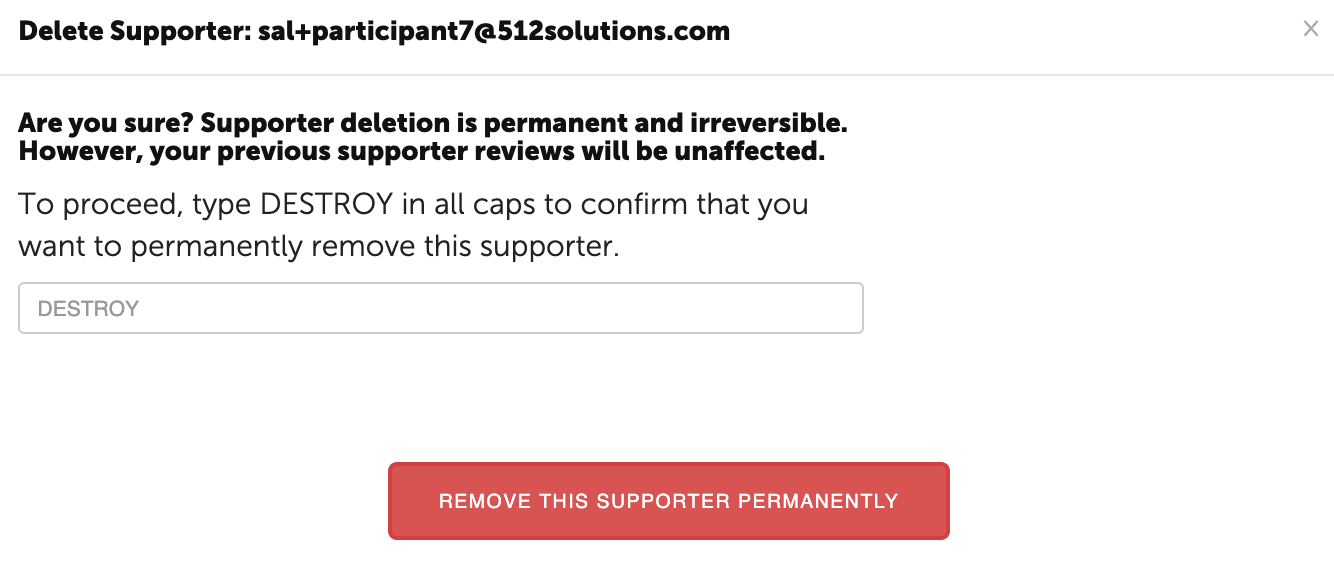
To Remove a Supporter, navigate to the Supporters section of the Participant's main page.
The Supporters section is listed under the Action Plan. Select the three dots in the right corner and select delete.
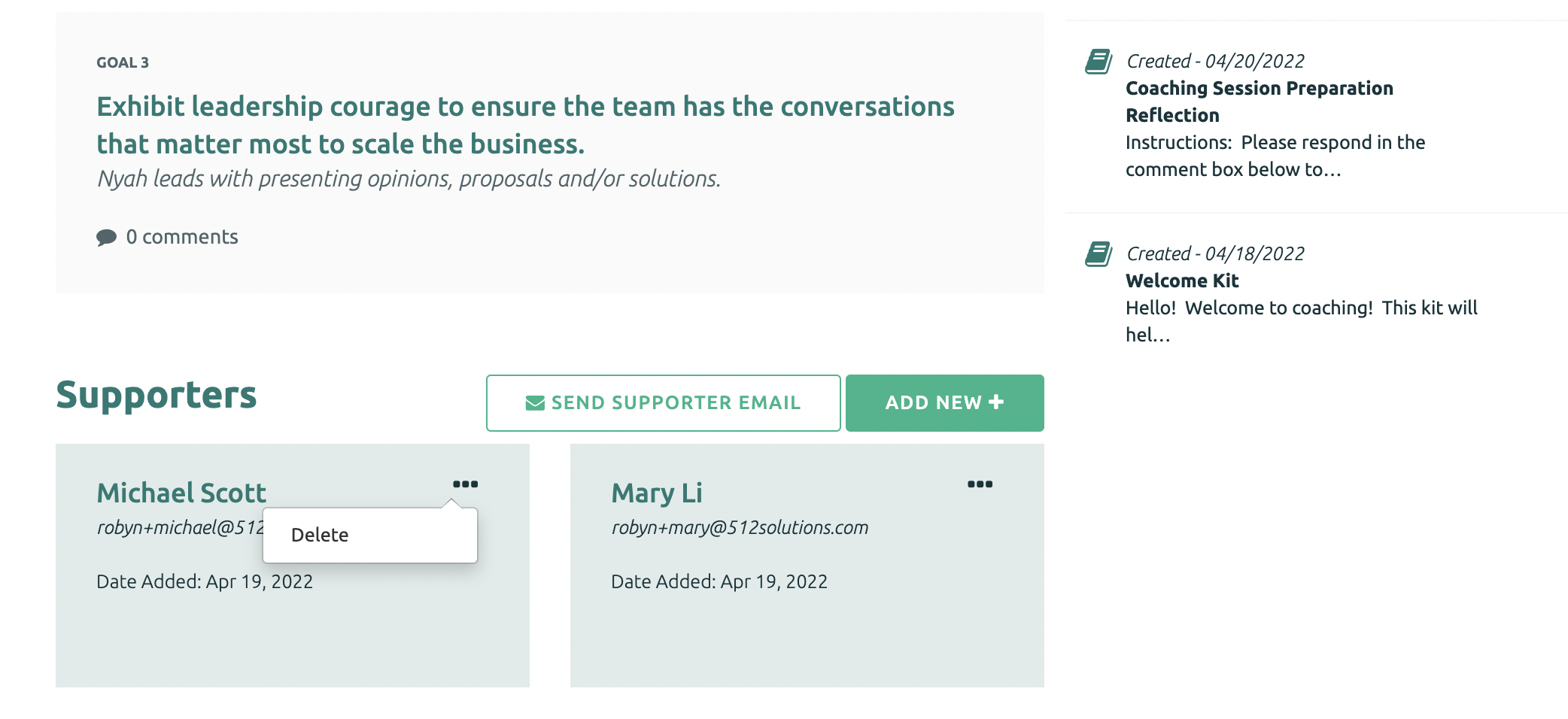
Type DESTROY in all caps and click “Remove this Supporter Permanently”.