

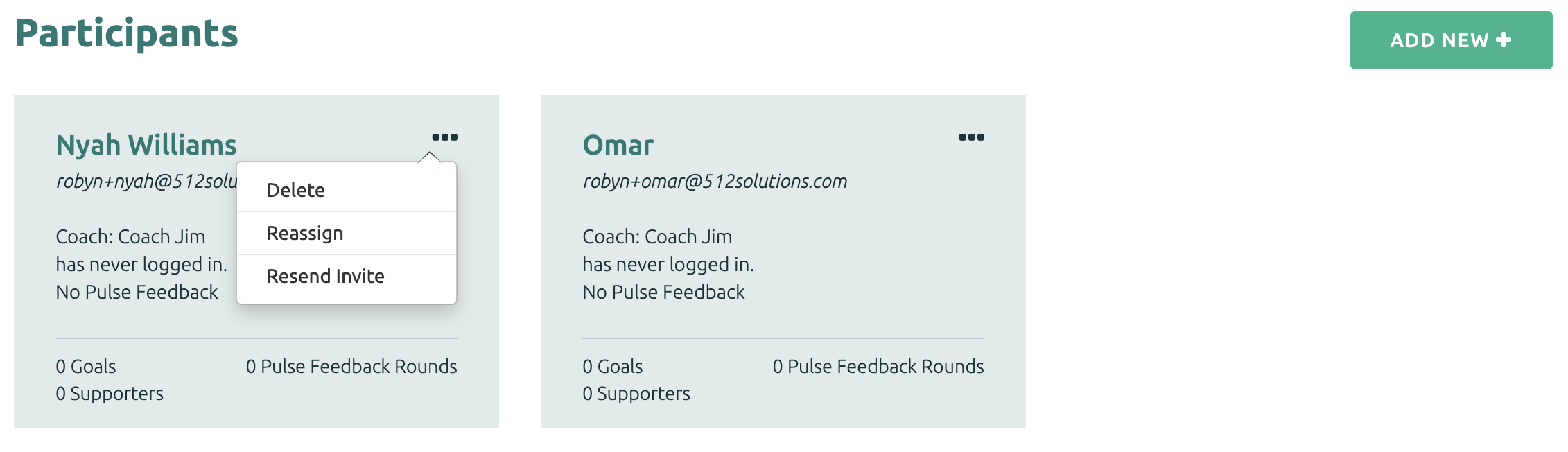
If the Participant hasn’t logged into the system, you can resend the Participant’s invite from the main page of the Project to which the Participant belongs.
To resend the Participant’s invite, click on the Mail icon on the Participant’s tile.
The "Send Invite" option will appear for a Participant who has not yet logged into their account.
Customize the welcome message, and click “Send Invite.”
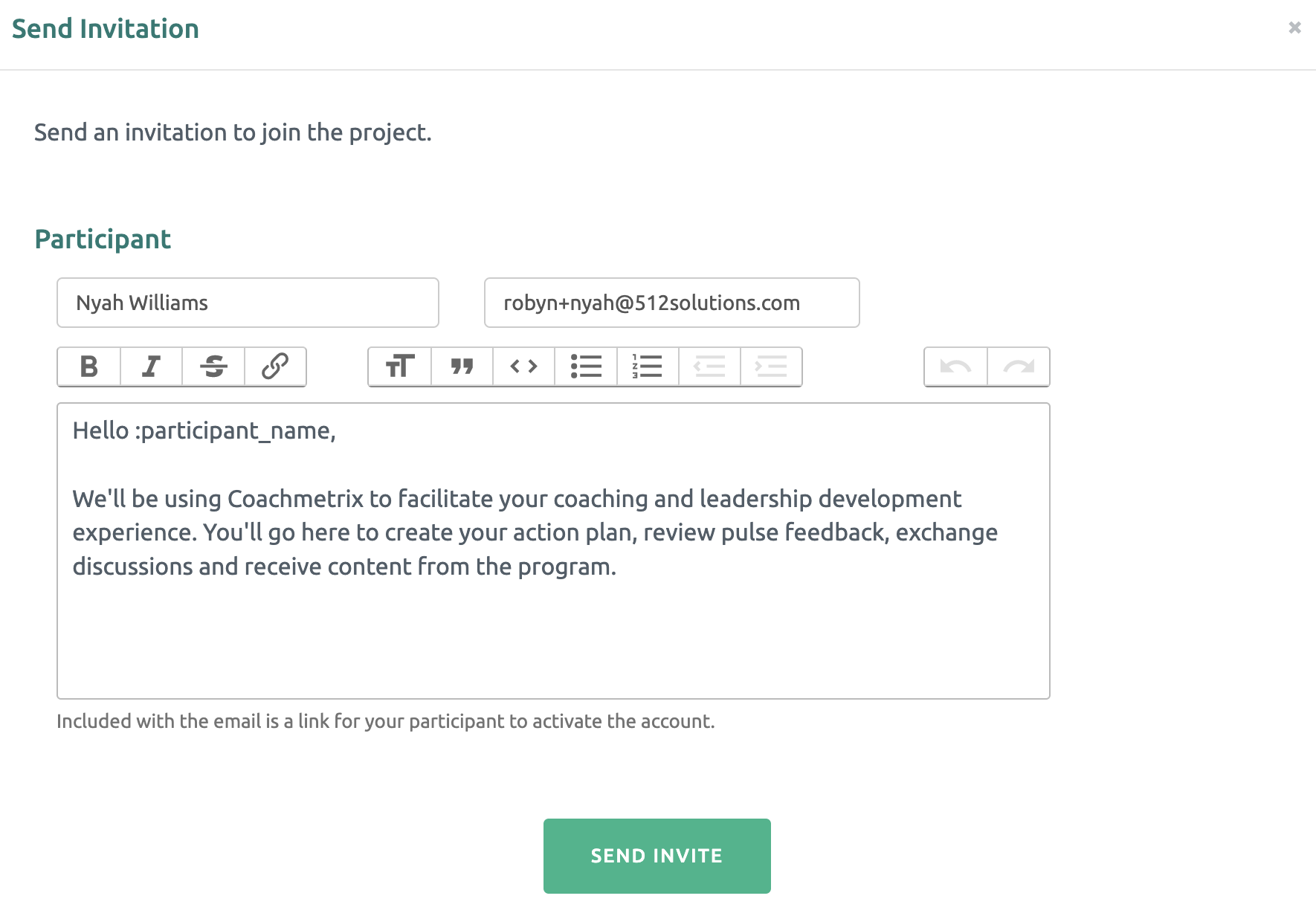
Your Participant will receive an email with a link to activate their account. This is a significant step. If the Participant's account is not activated, they will not have access to their data.