TL;DR
1
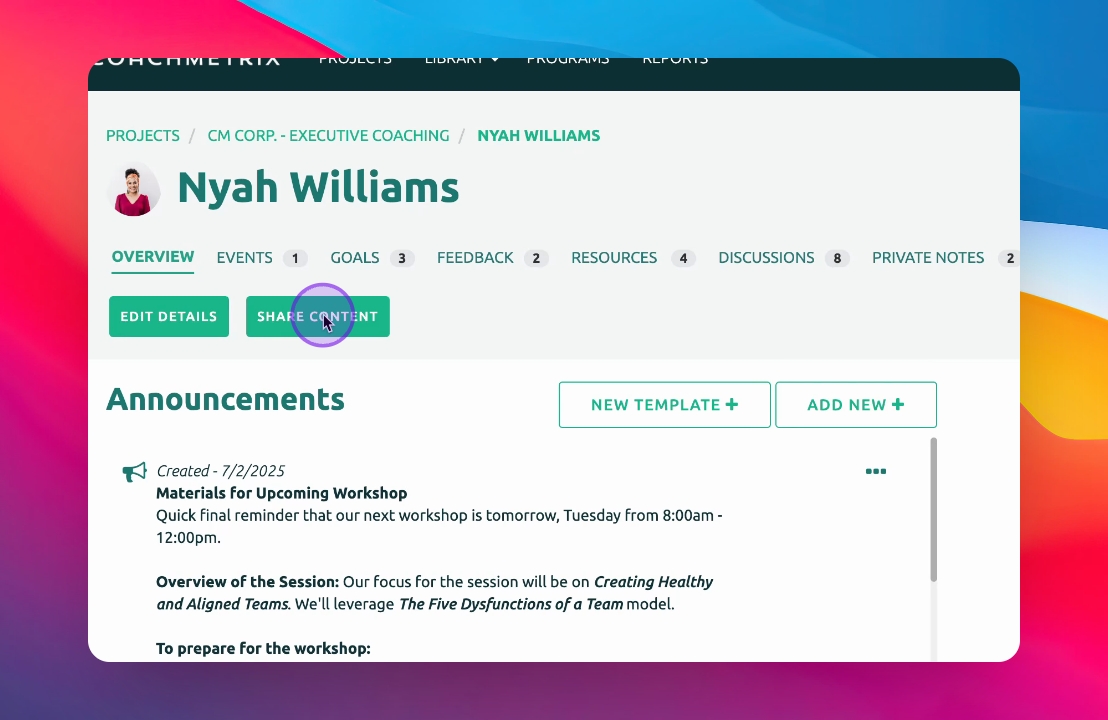
Click Share Content
Select Share Content beneath the participant's name.
2
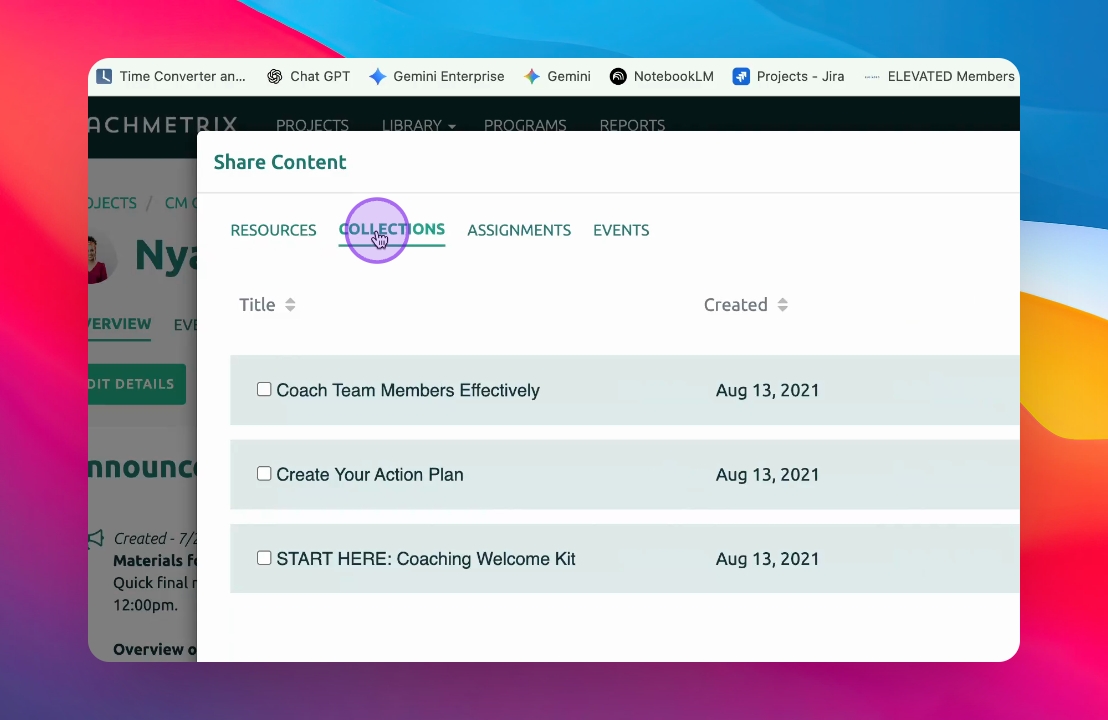
Select Items
Choose resources, collections, assignments, and events to share.
3
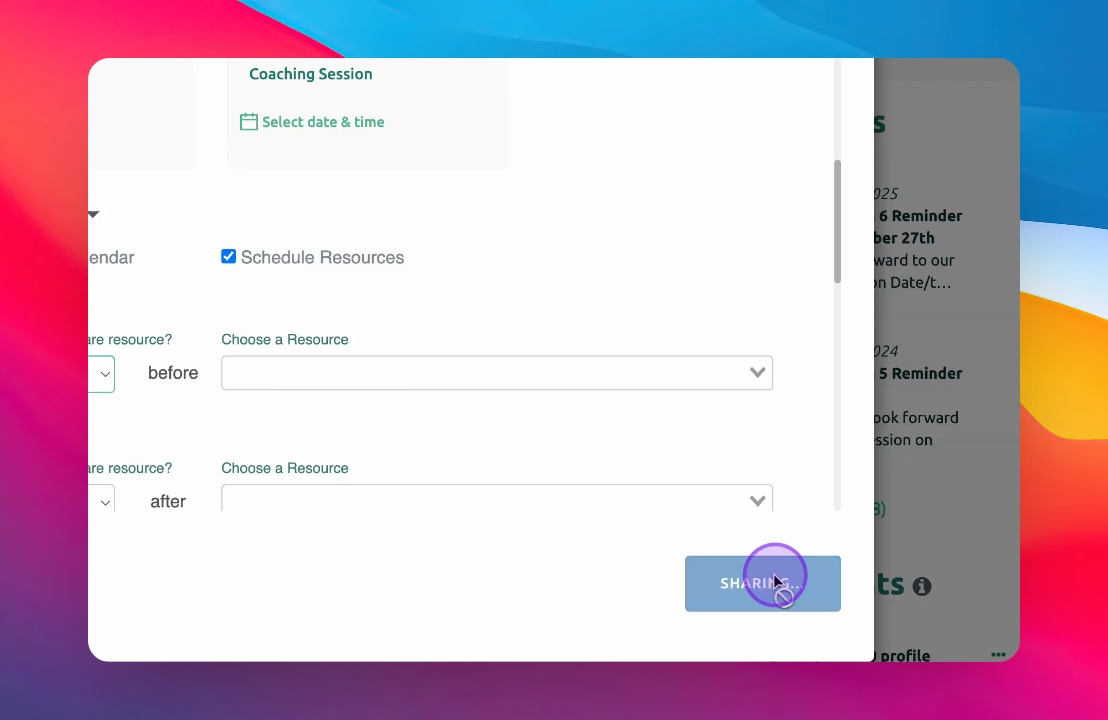
Click Share
Finalize by clicking Share to add items to the participant's account.
4
New Step
Enter your description here
Let's Do It Together!
Step 1: Click Share Content
Click on Share Content beneath the participant's name.
The sharing options appear.
Step 2: Choose Items to Share
Select resources, collections, assignments, and events to share.
You can share multiple items simultaneously.
Step 3: Click Share
Once you're ready, click Share.
The selected items will be added to the participant's account.