

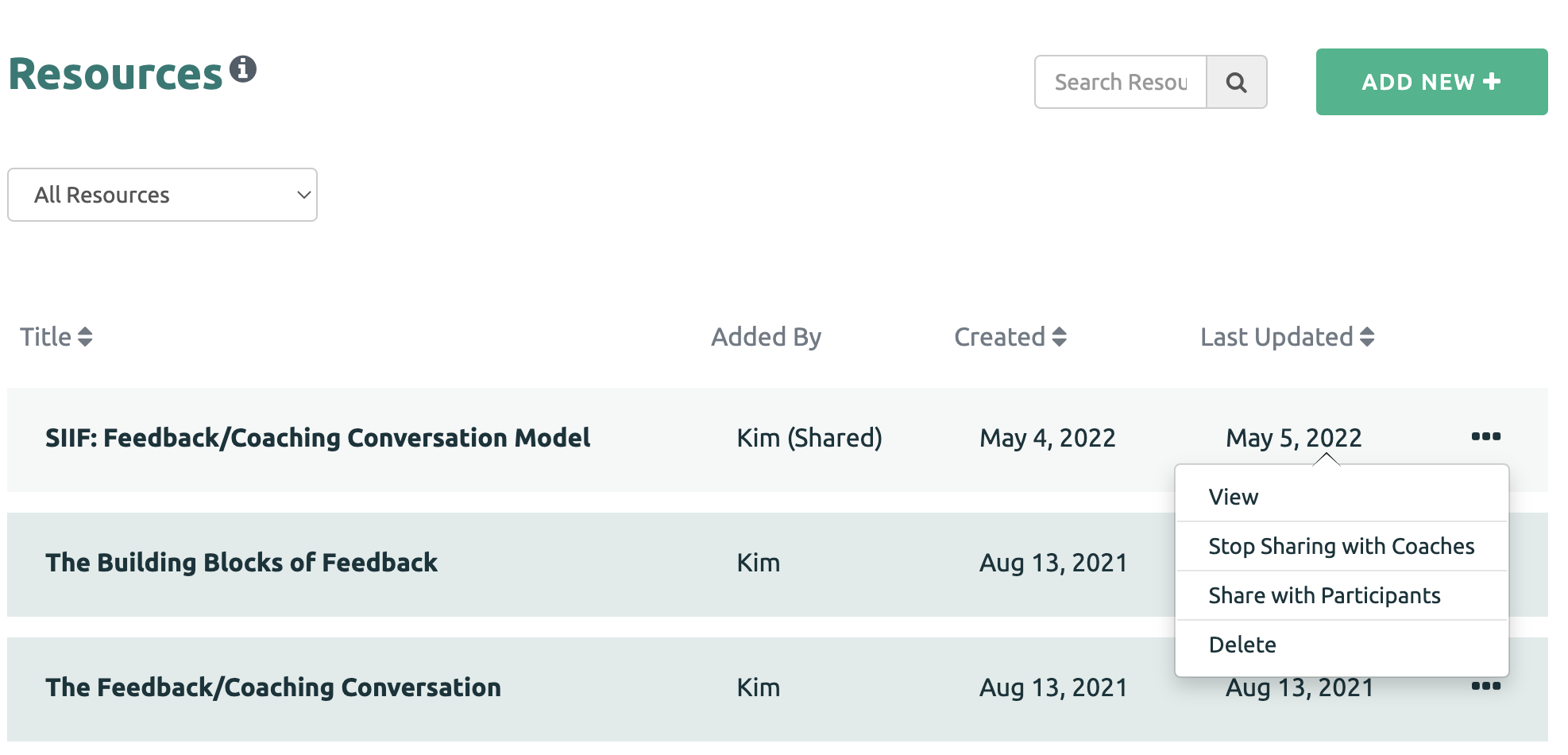
A Coach may decide to stop sharing a Resource with the other coaches. First click the three dots on the Resource. Then click the "Stop Sharing with Coaches" option.
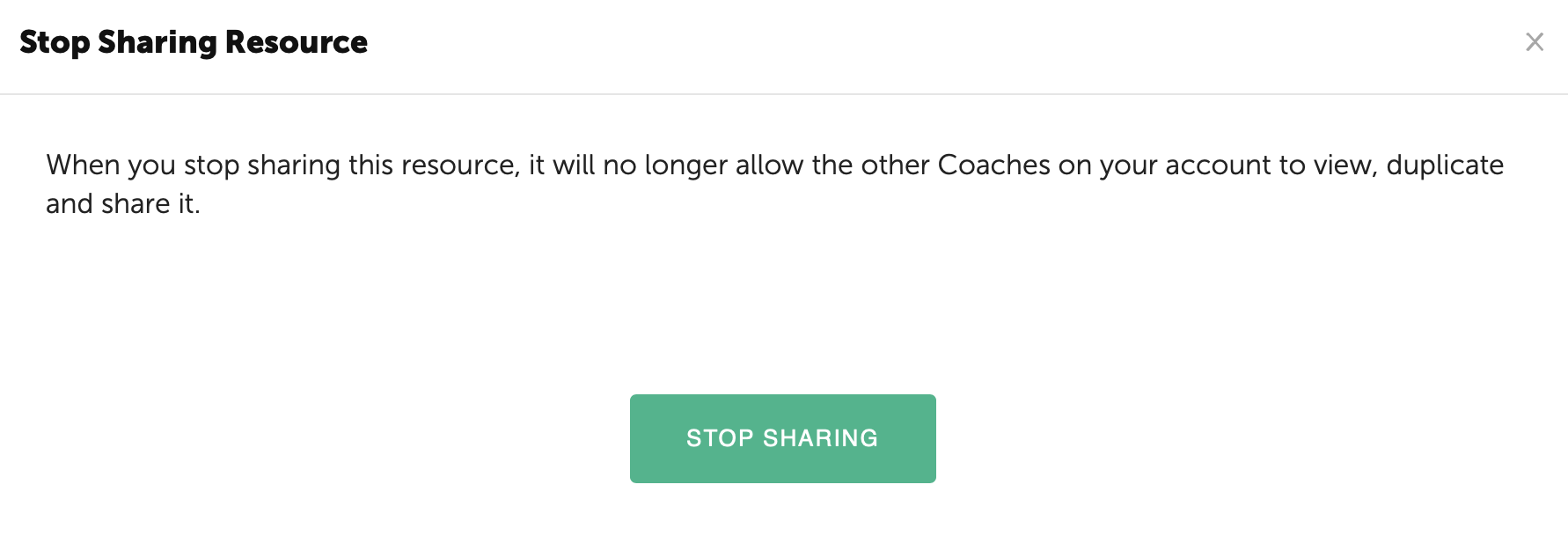
Finally, confirm that you would like to stop sharing the Resource.
The Resource will move to the Private Resource page and no longer be accessible.
NOTE: Instances where the Resource has been shared with a Participant previously will remain available to the Participant for which it was assigned.