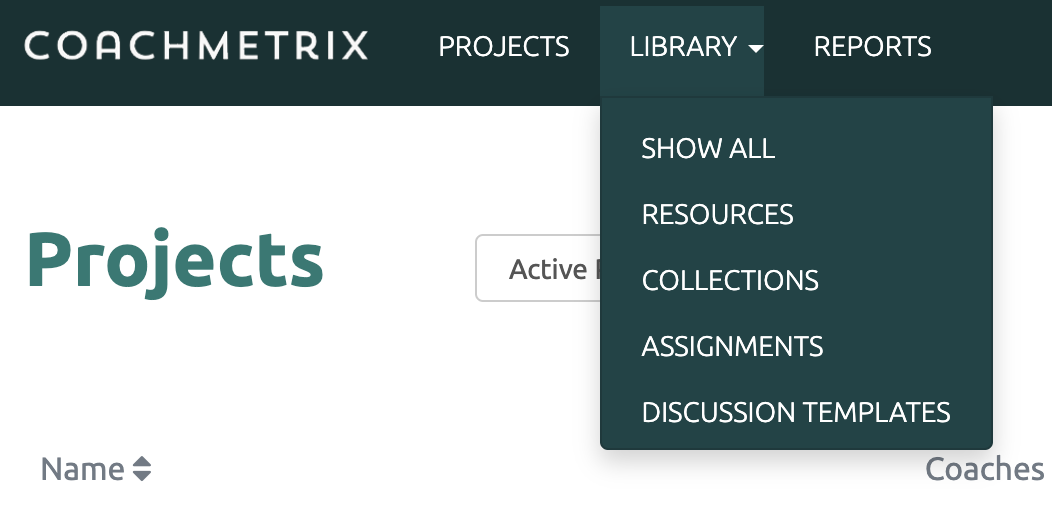
To Edit a Resource, start by clicking on the Library drop down on the top of the Coach's page. Next select the Resources option.
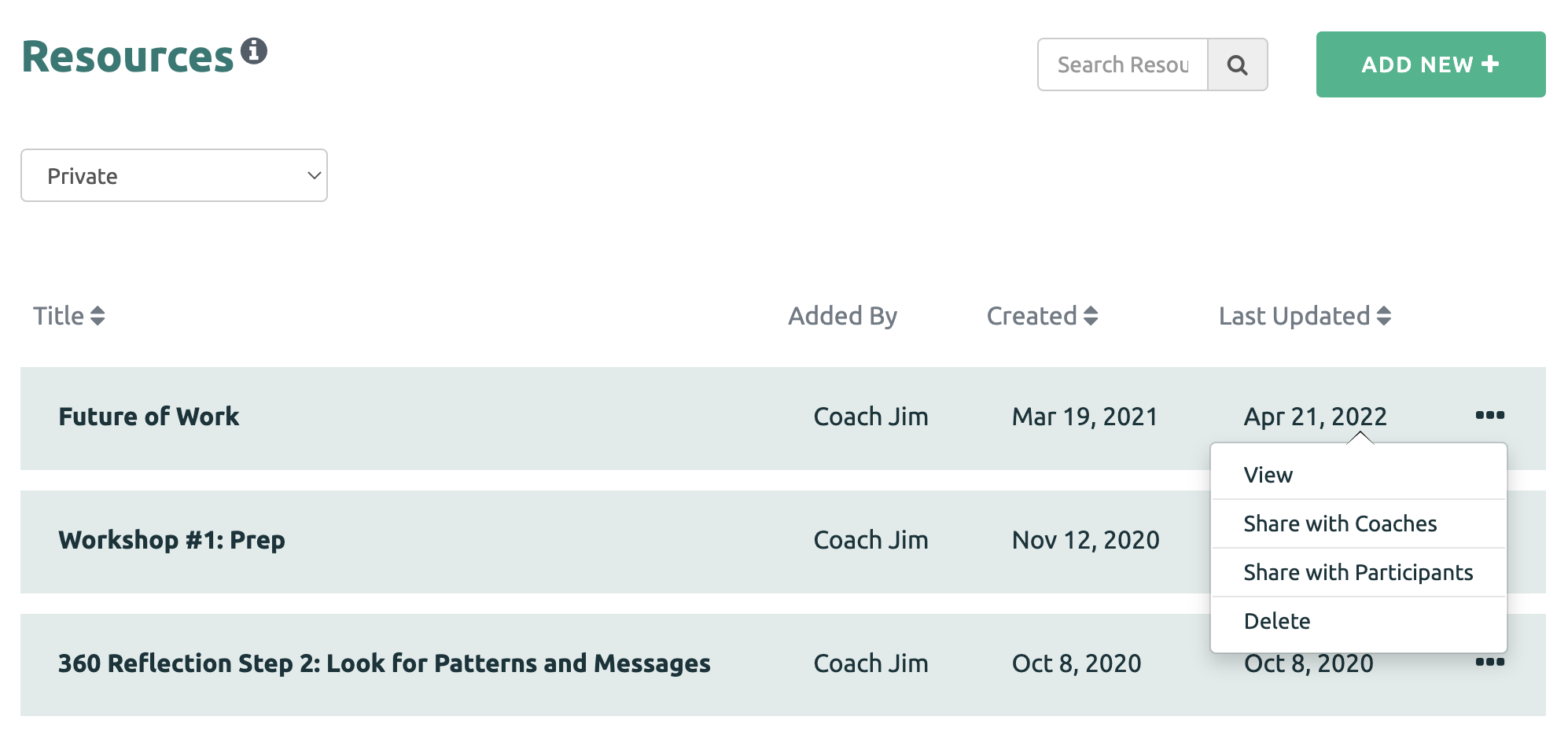
Next to the Resource that you wish to edit, click on the three dots and select the View option.
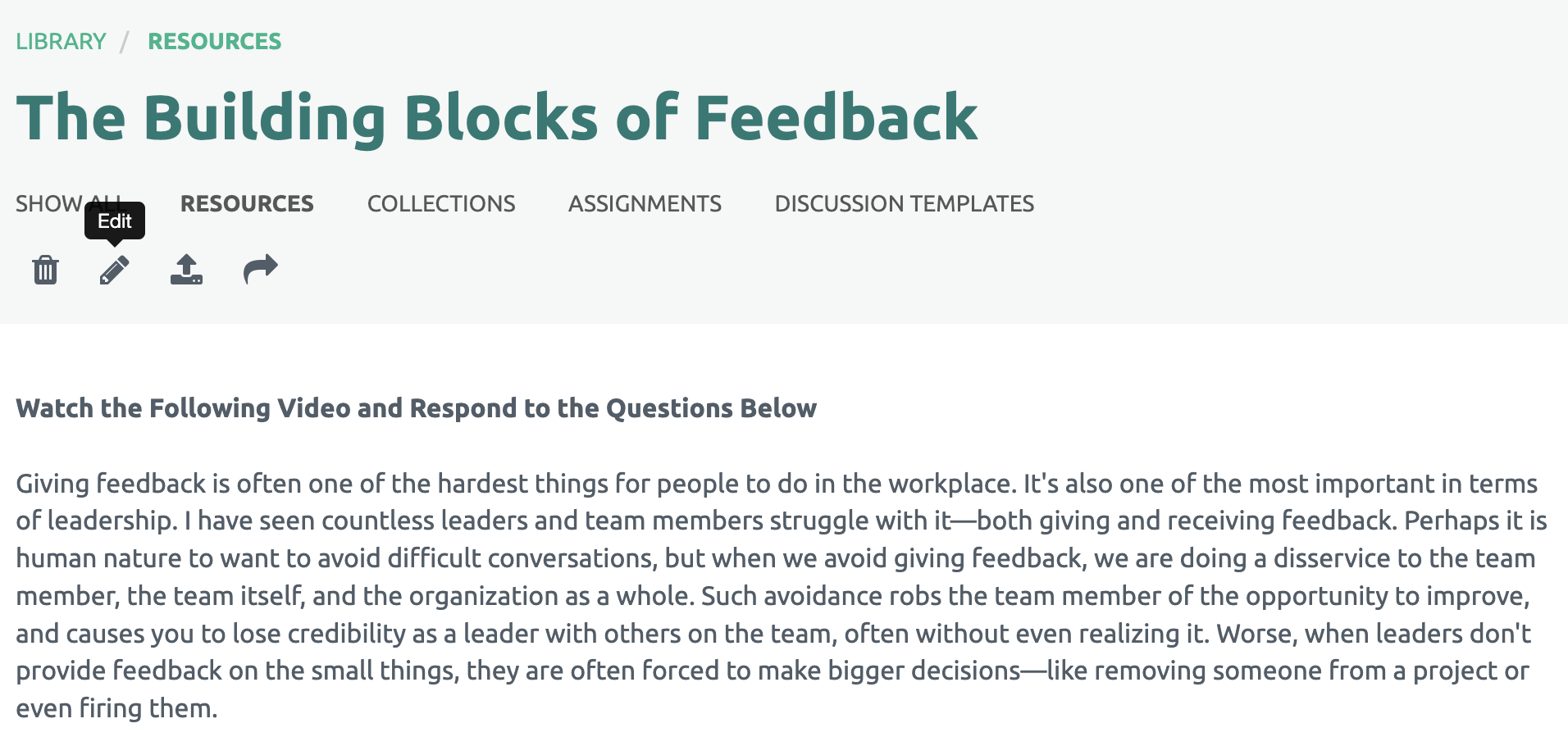
Then click the pencil icon under the Resource title.
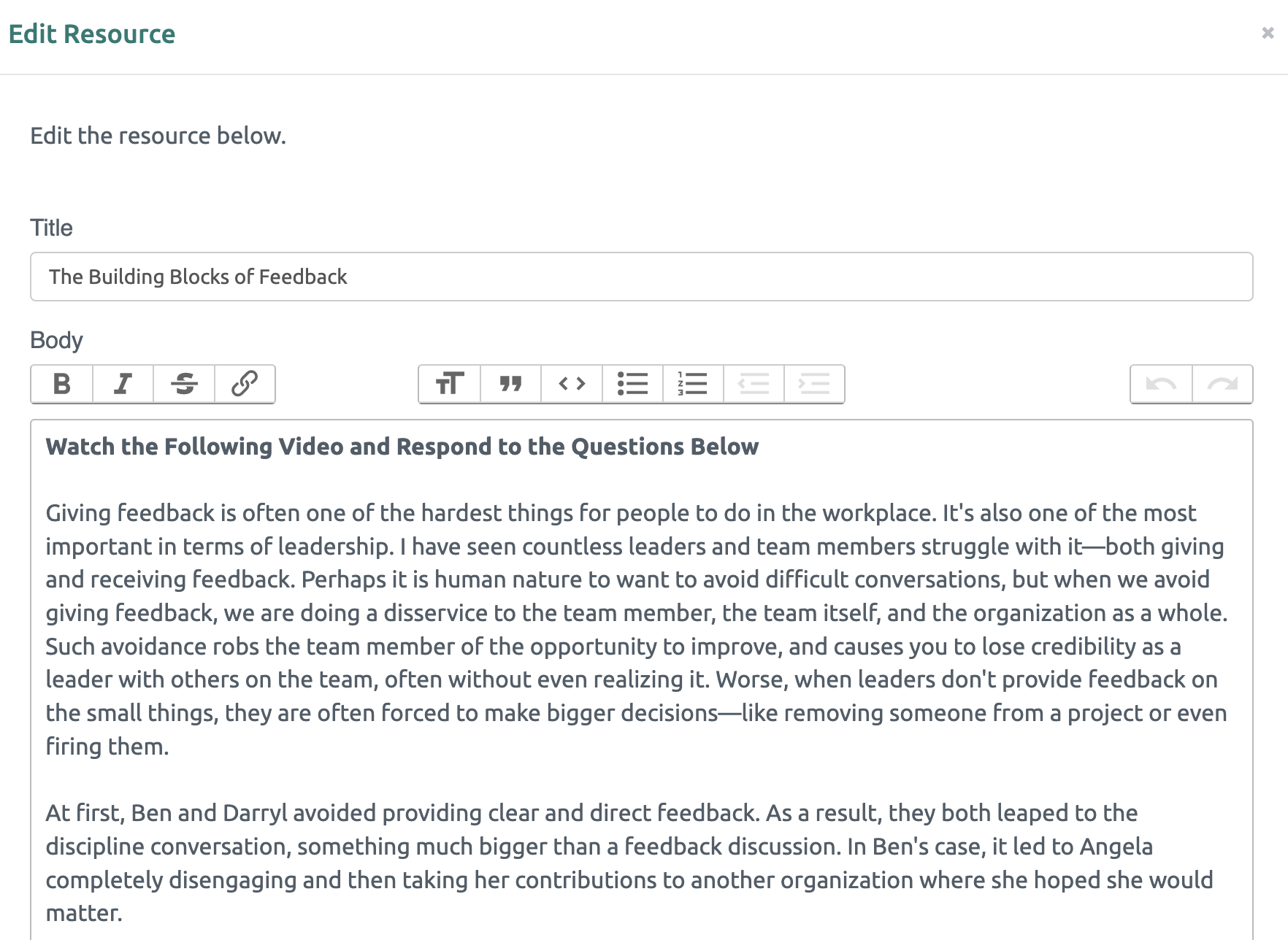
Once the edits have been made to the Resource, click the "Save the Resource" green button at the bottom.