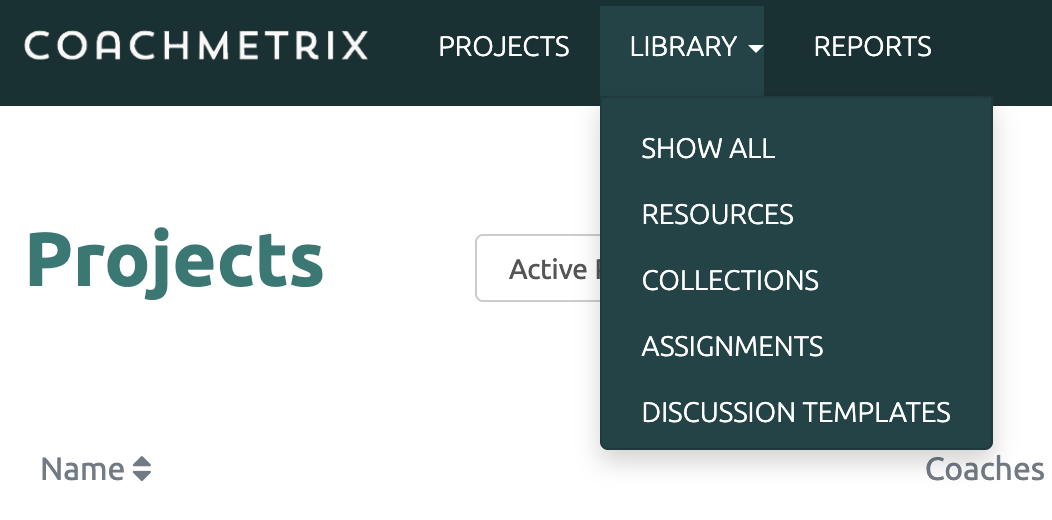
To delete a Resource, start by clicking on the Library drop down on the top of the Coach's page. Next select the Resources option.
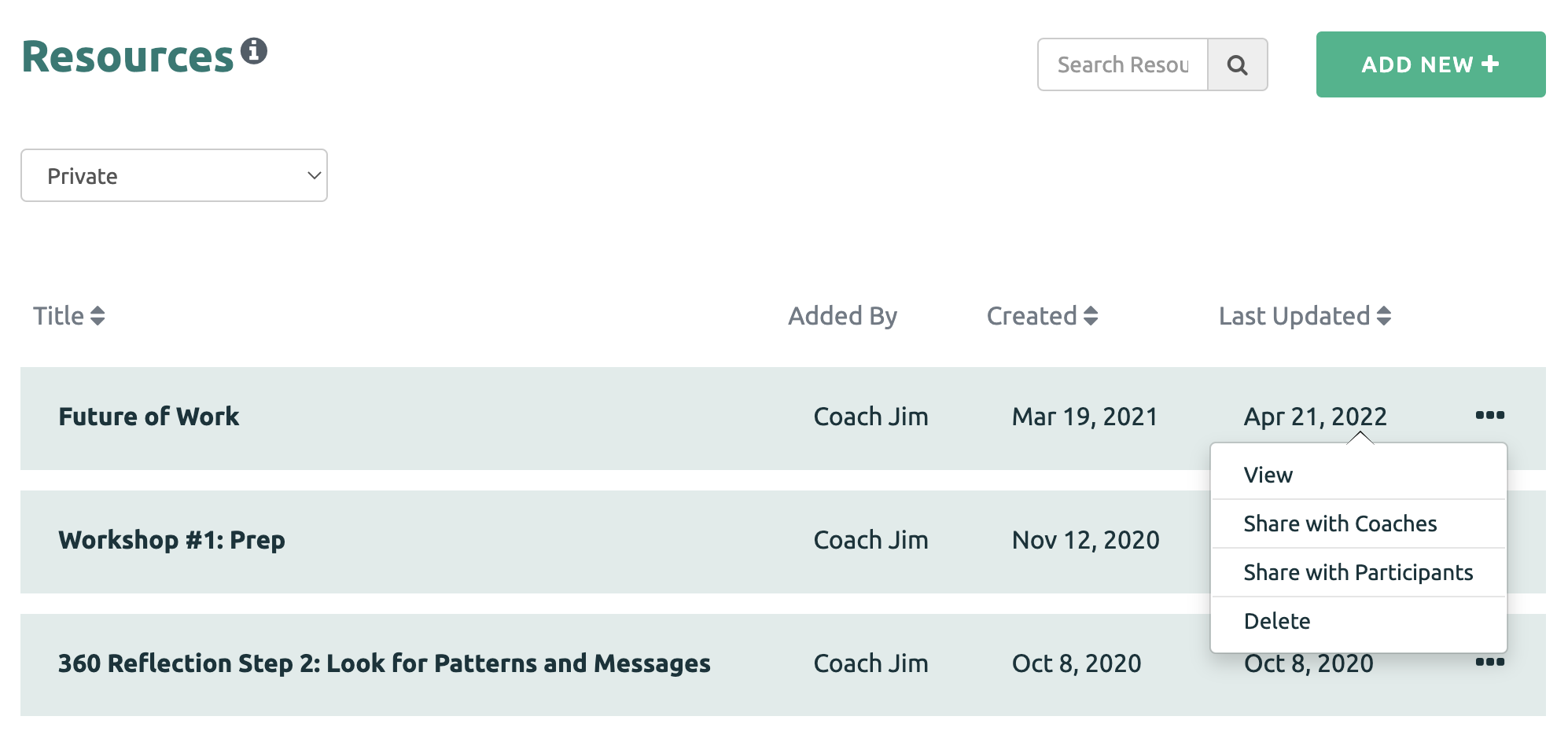
Next to the Resource or Collection that you wish to delete, click on the three dots and select the Delete option
You may also delete the Resource while viewing the details of the Resource by clicking the trash bin icon under the Resource title.
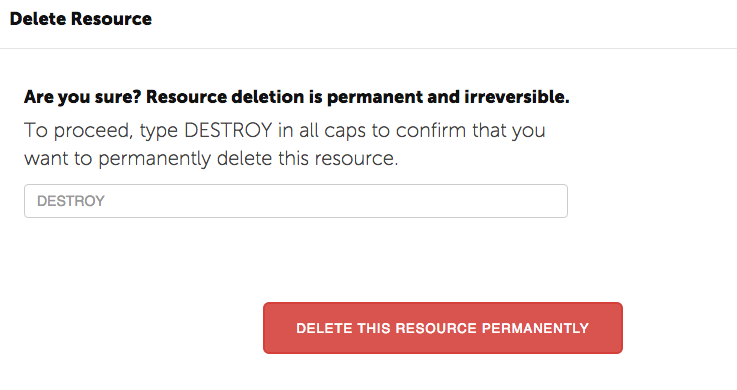
Finally, confirm your request to Delete.