TL;DR
1
Click on Goals
Open the Goals section to start adding habits.
2
Select a Goal
Choose the goal where you want to add a habit.
3
Add New Habit
Click Add New Habit and fill in the details.
4
Set Reminder
Choose a reminder time and frequency for your habit.
5
Save Habit
Click Save to add your habit and view it in your goals.
Let's Do It Together!
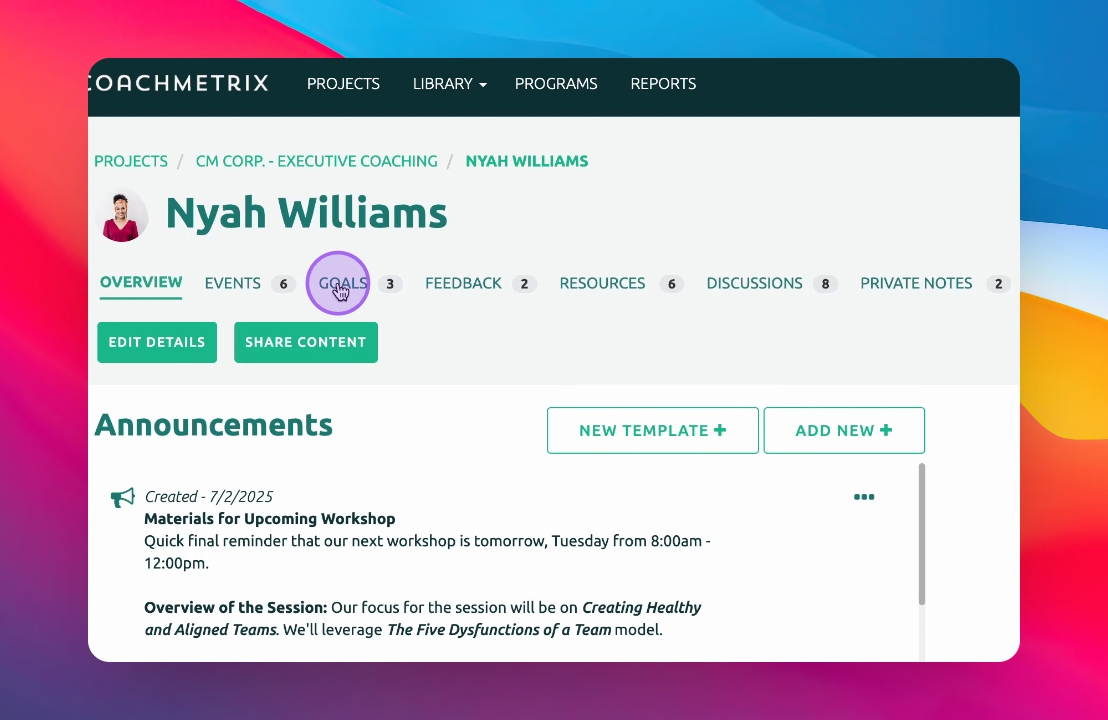
Step 1: Access Goals
Click on Goals to open the goals section.
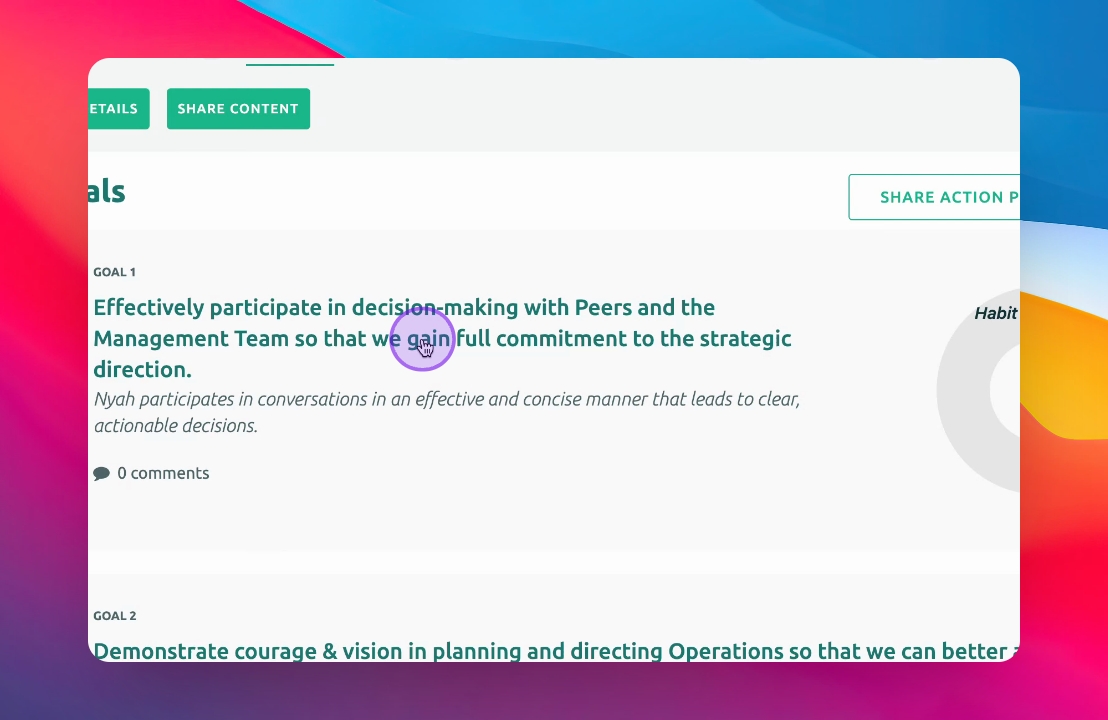
Step 2: Select a Goal
Click on the goal to which you want to add a habit.
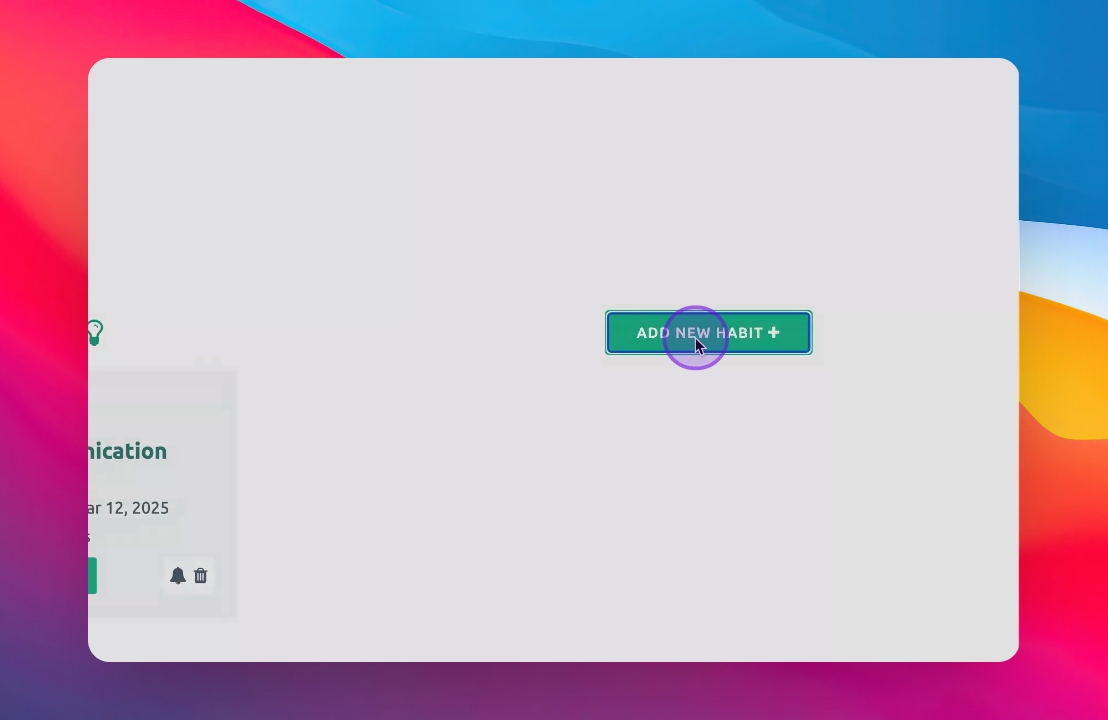
Step 3: Add New Habit
Scroll down and click on the Add New Habit button.
Step 4: Name Your Habit
Give the habit a name.
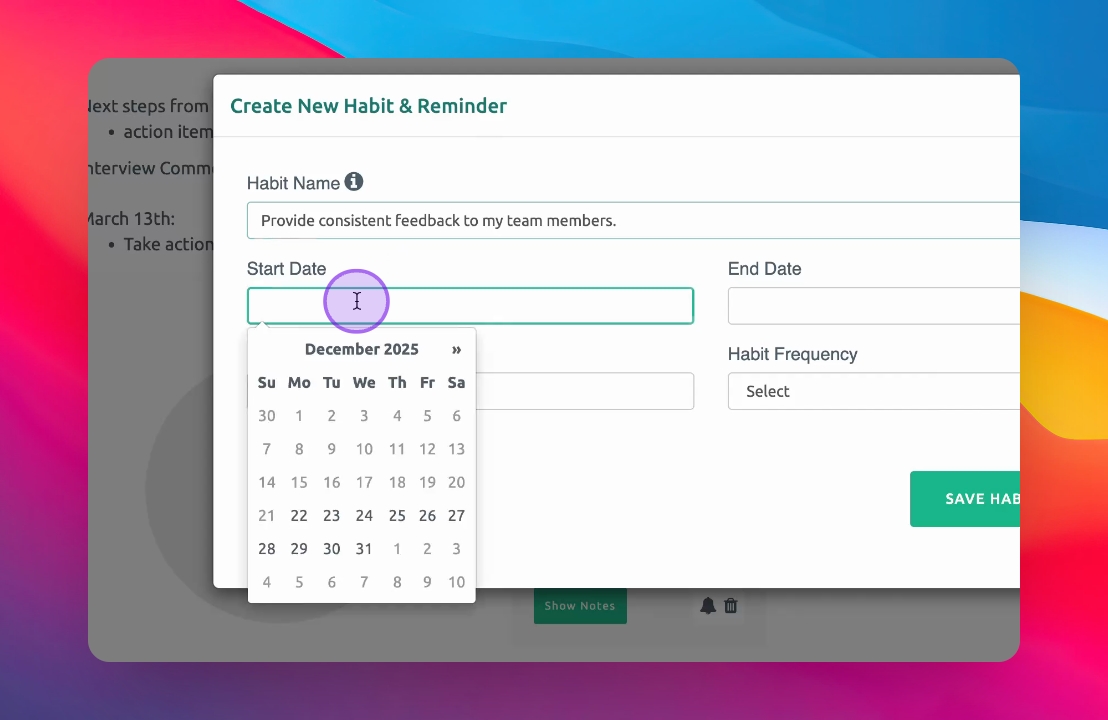
Step 5: Set Start Date
Choose a start date for the habit.
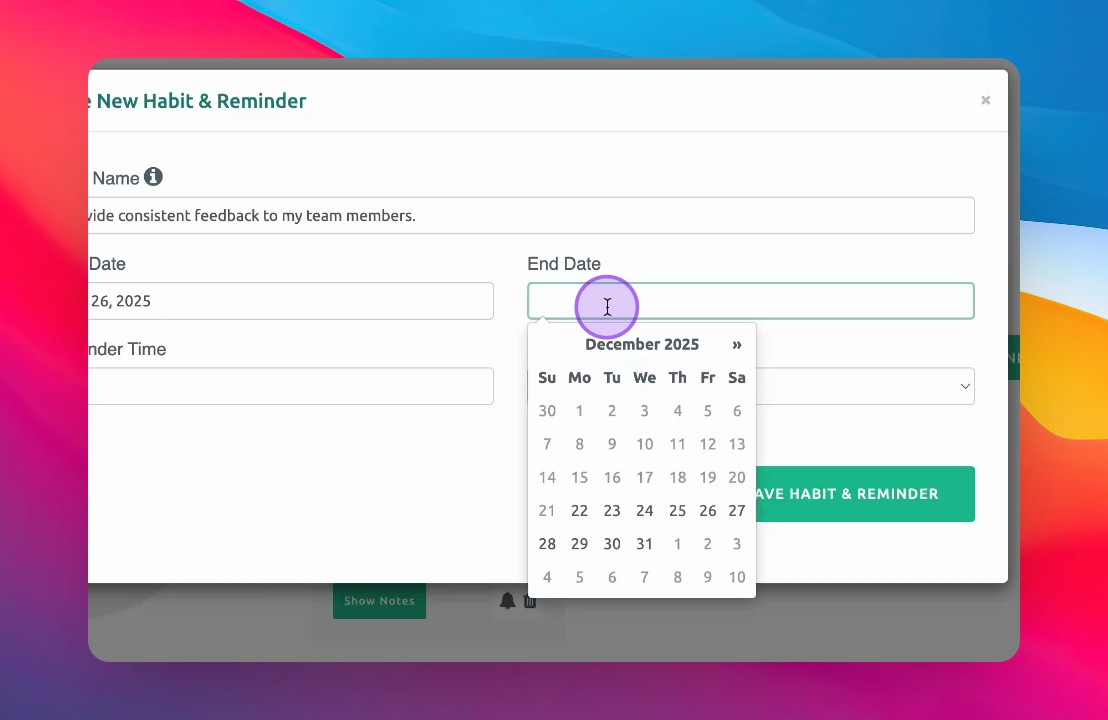
Step 6: Set End Date
Optionally, choose an end date for the habit.
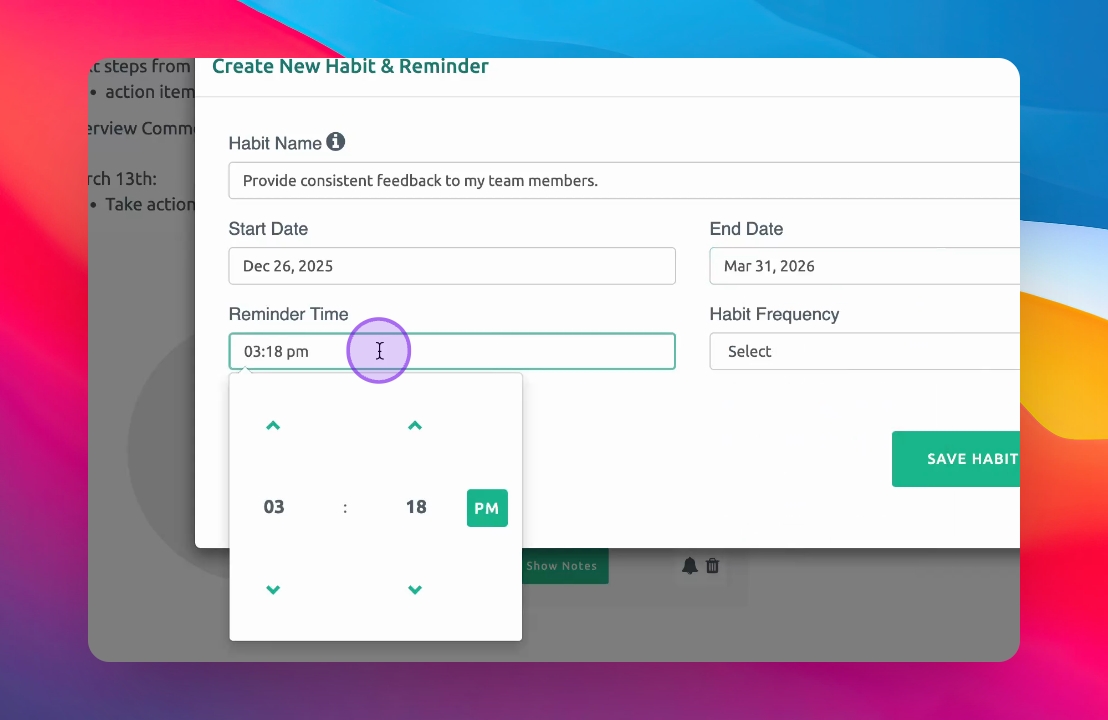
Step 7: Choose Reminder Time
Select a reminder time for your habit.
Example time is set to 6am.
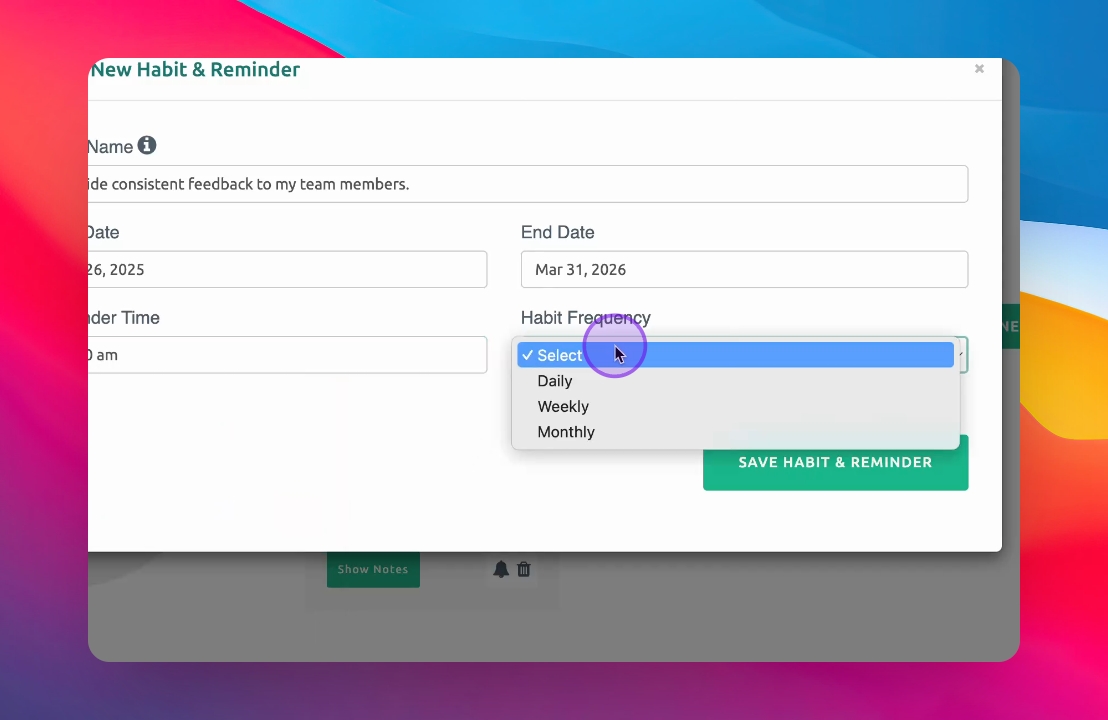
Step 8: Set Frequency
Choose the habit's frequency: daily, weekly, or monthly.
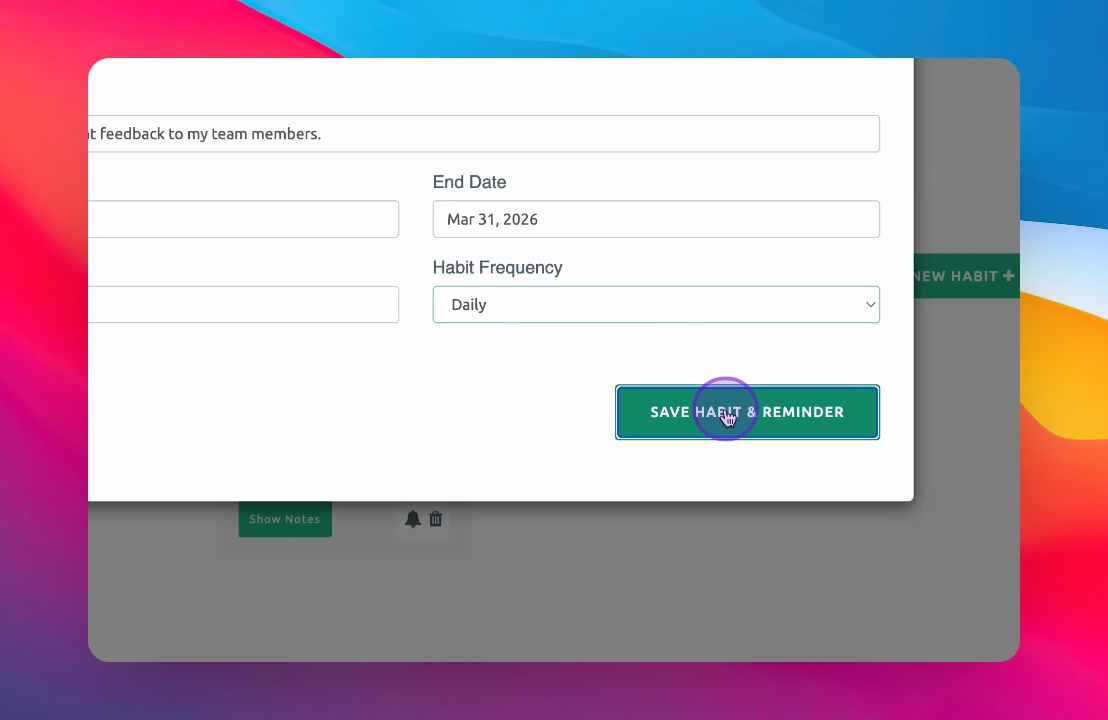
Step 9: Save Habit
Click Save Habit and reminder.
Your habit is now added successfully.
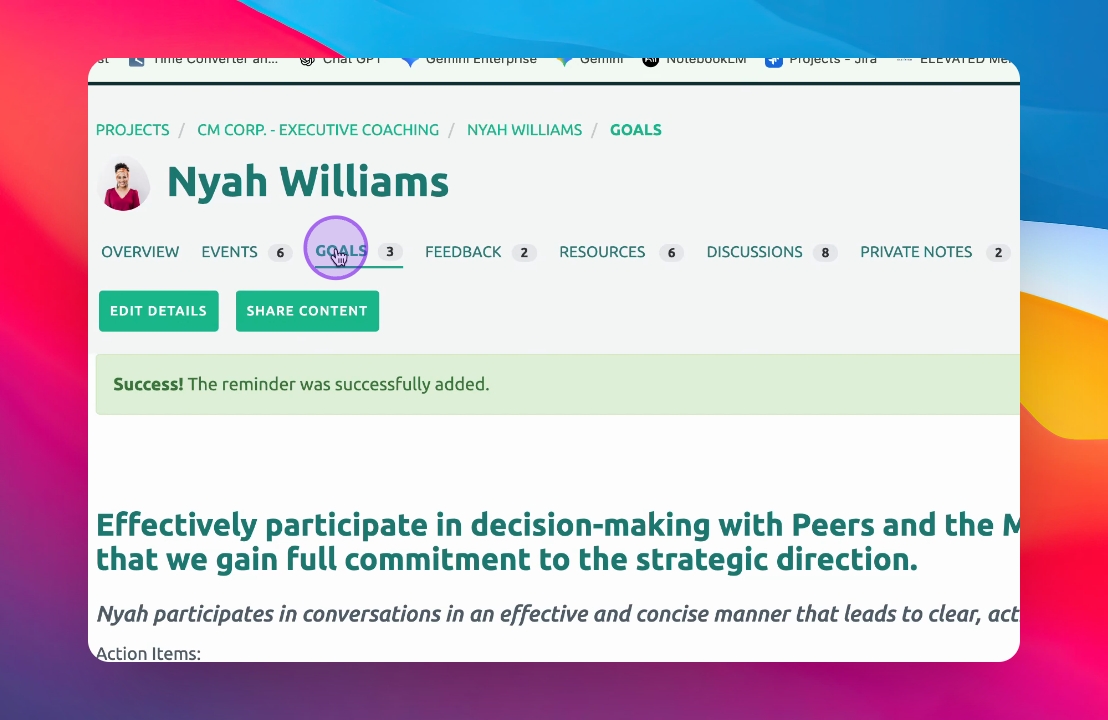
Step 10: Review Your Habits
Return to your goals to view the habit screen.
You will see a visual representation of your habit progress.