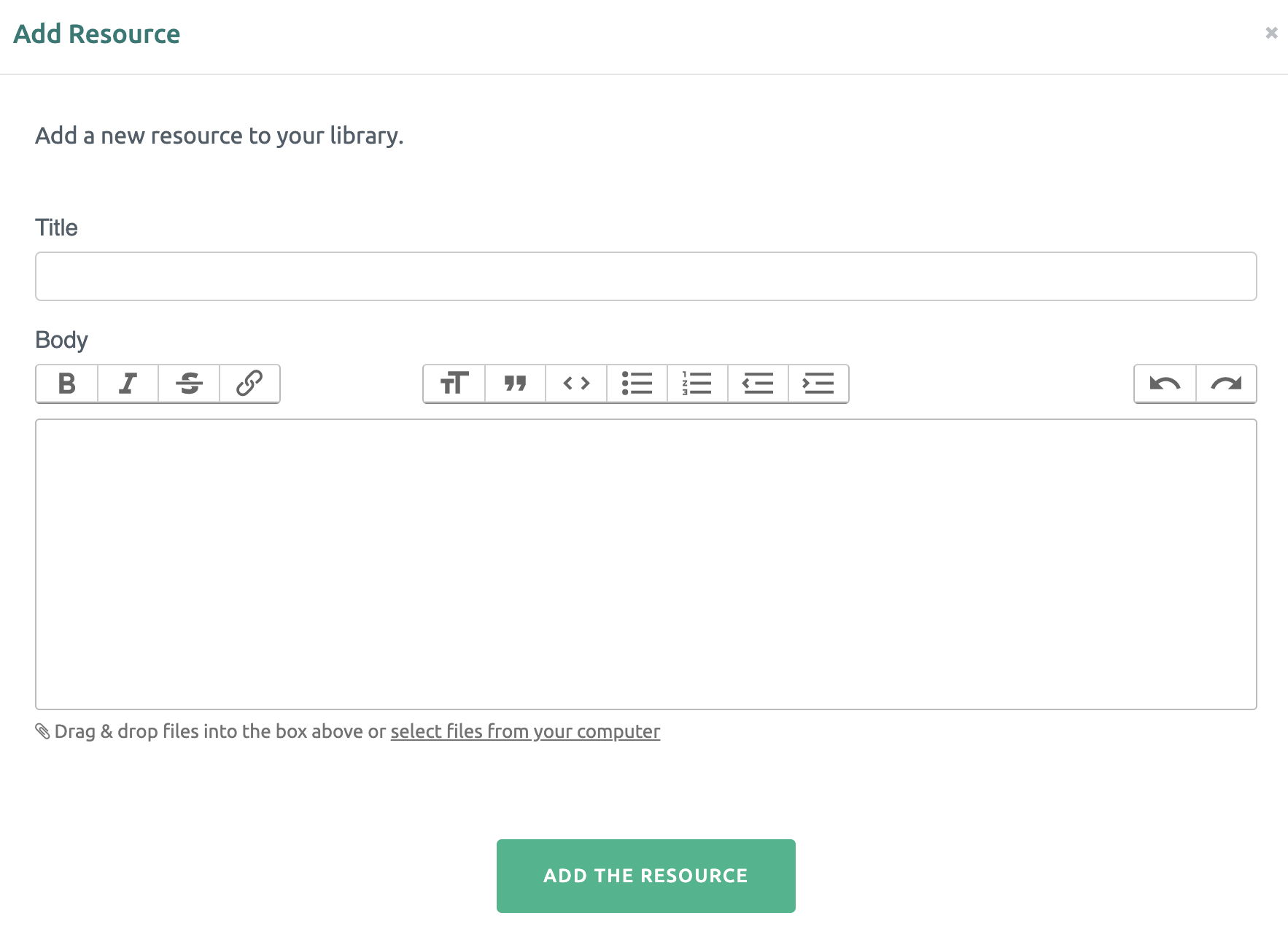
A Resource may be shared with any Participant on a Project. Resources cover a broad range of material. They may be articles, leadership tools, content from a participant workbook, fieldwork assignments or any combination of text, images, video, and document uploads.
Resources can be used across all of your projects, saving you time and enabling you to repurpose your content.
To Create a Resource, start by clicking on the Library drop down on the top of the Coach's page. Next select the Resources option.
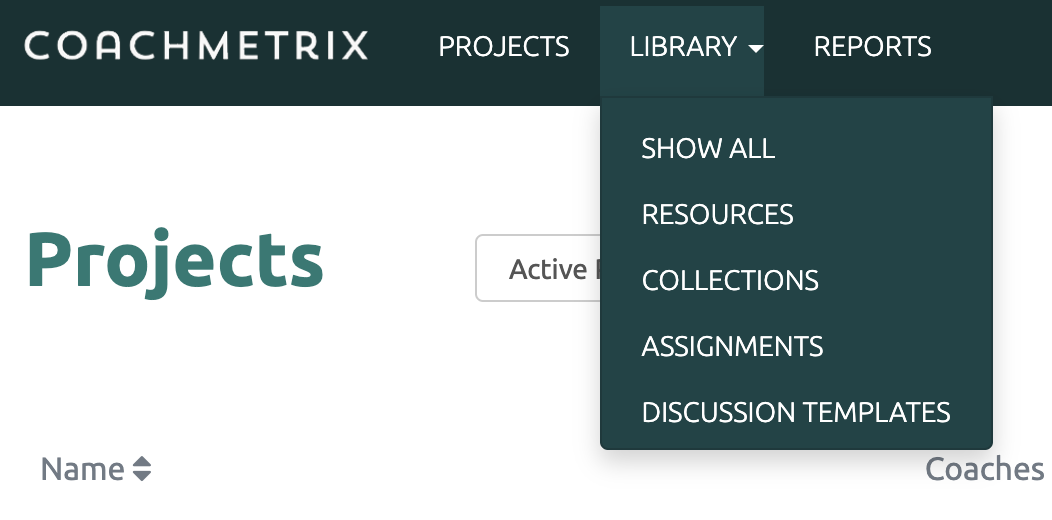
Then click on the “Add New +” in the upper right corner.

First add a title to your Resource. Next, insert any text, images, video (Vimeo or YouTube links) or document to the body of the Resource. When you are finished, click the Add the Resource button at the bottom.