Subscribing is easy! First, click on your name at the top right corner of the page. Select account settings.

Click on the Plans tab on the left side of the page. Under the subscription options are green buttons to Upgrade.
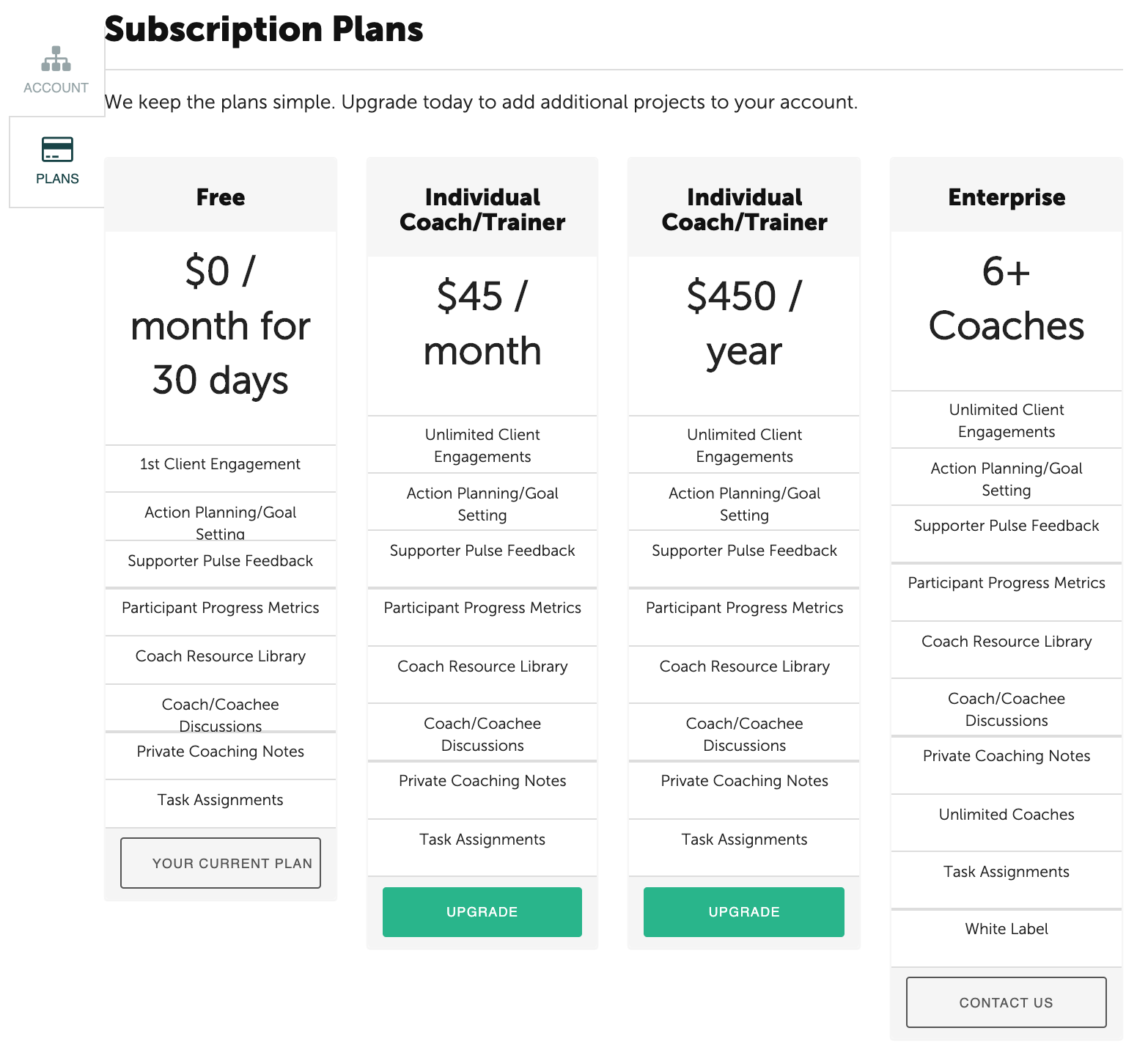
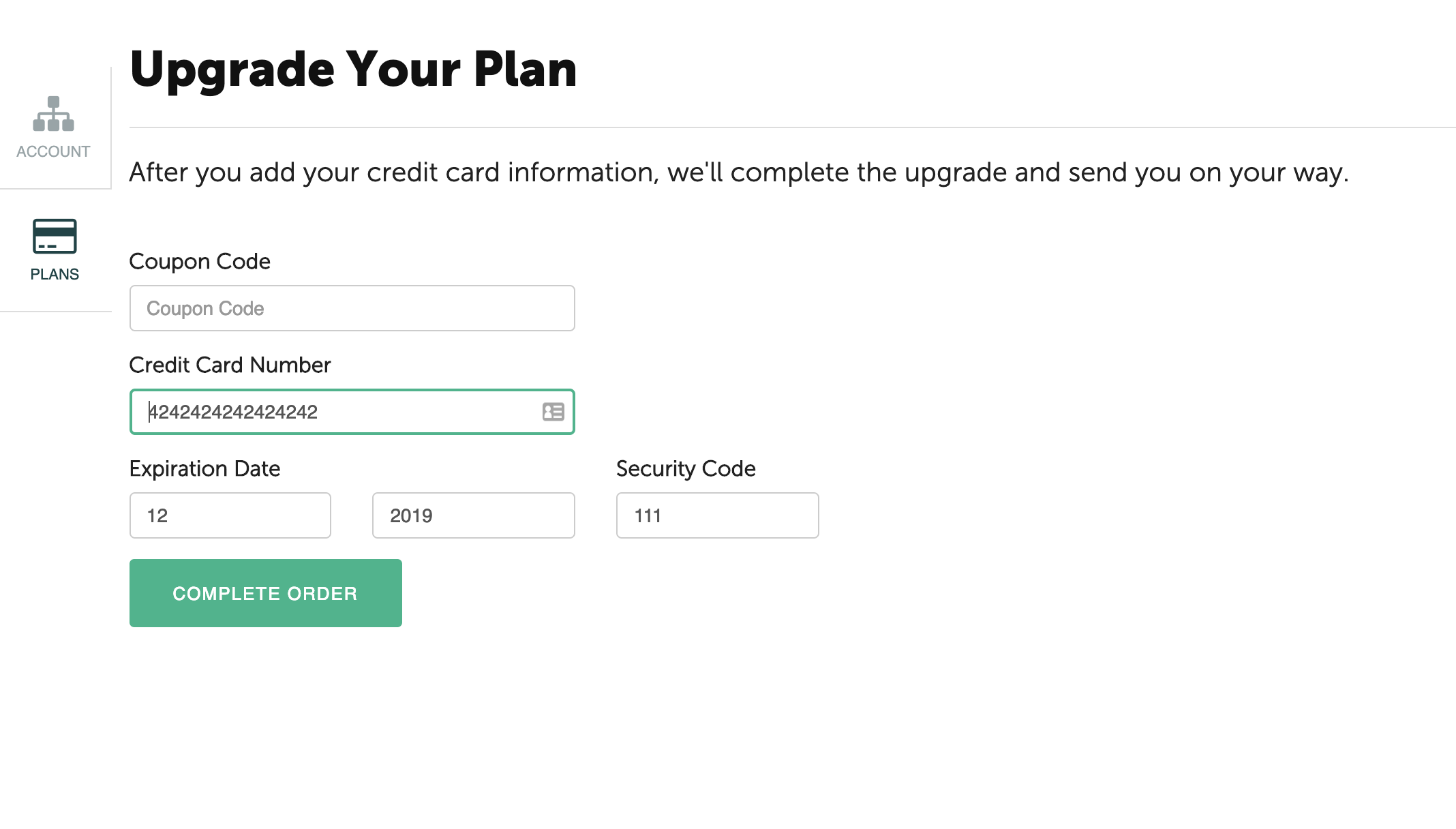
Select the appropriate Upgrade option. After you have entered your credit card information, click on the green "Complete Order" button at the bottom.