

A Coach can edit a Participant's name and/or email address prior to the Participant activating their account.
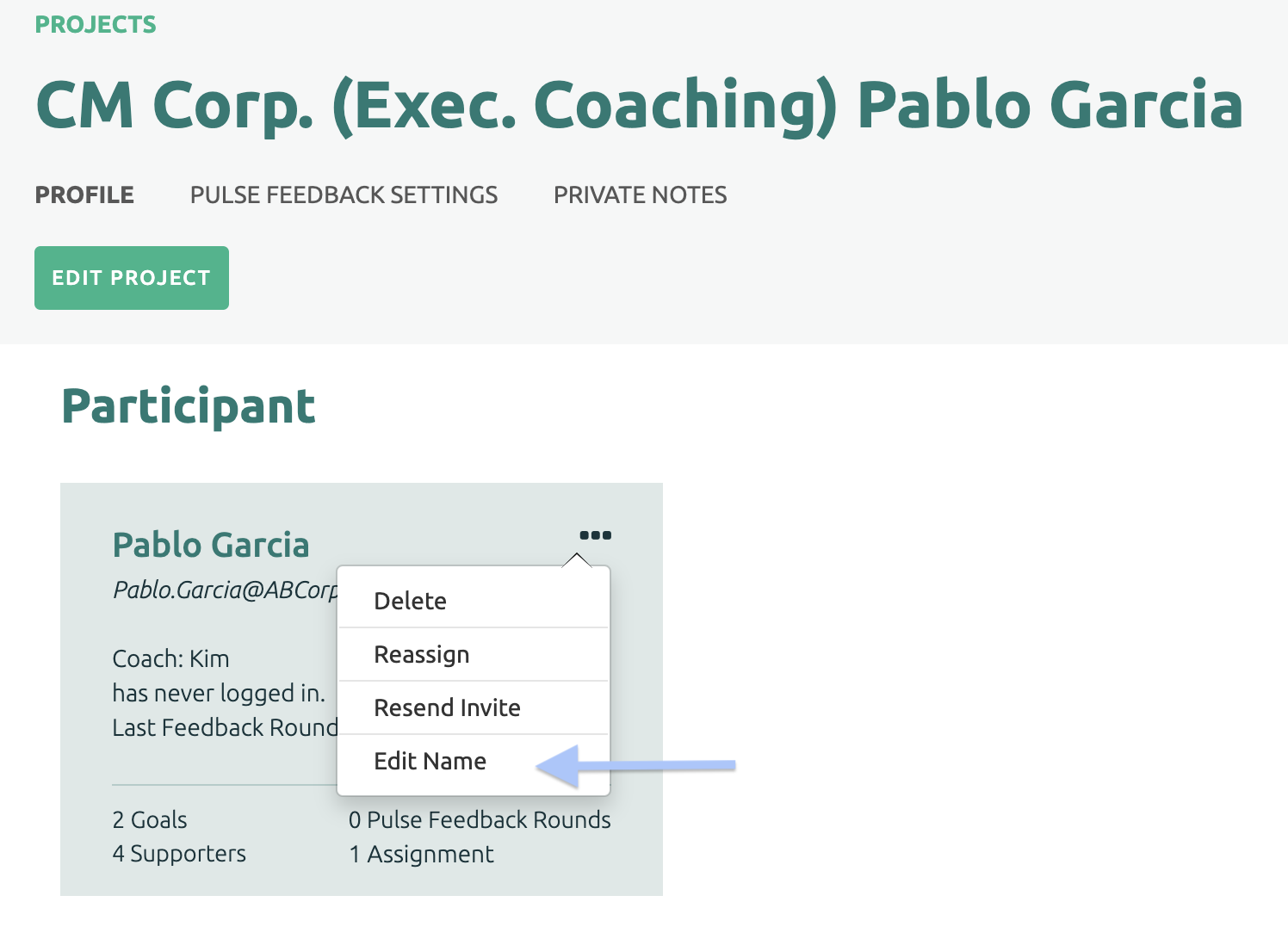
First, select the Project. On the Participant's tile, click the three dots in the top right corner and select the Edit Name option from the list.
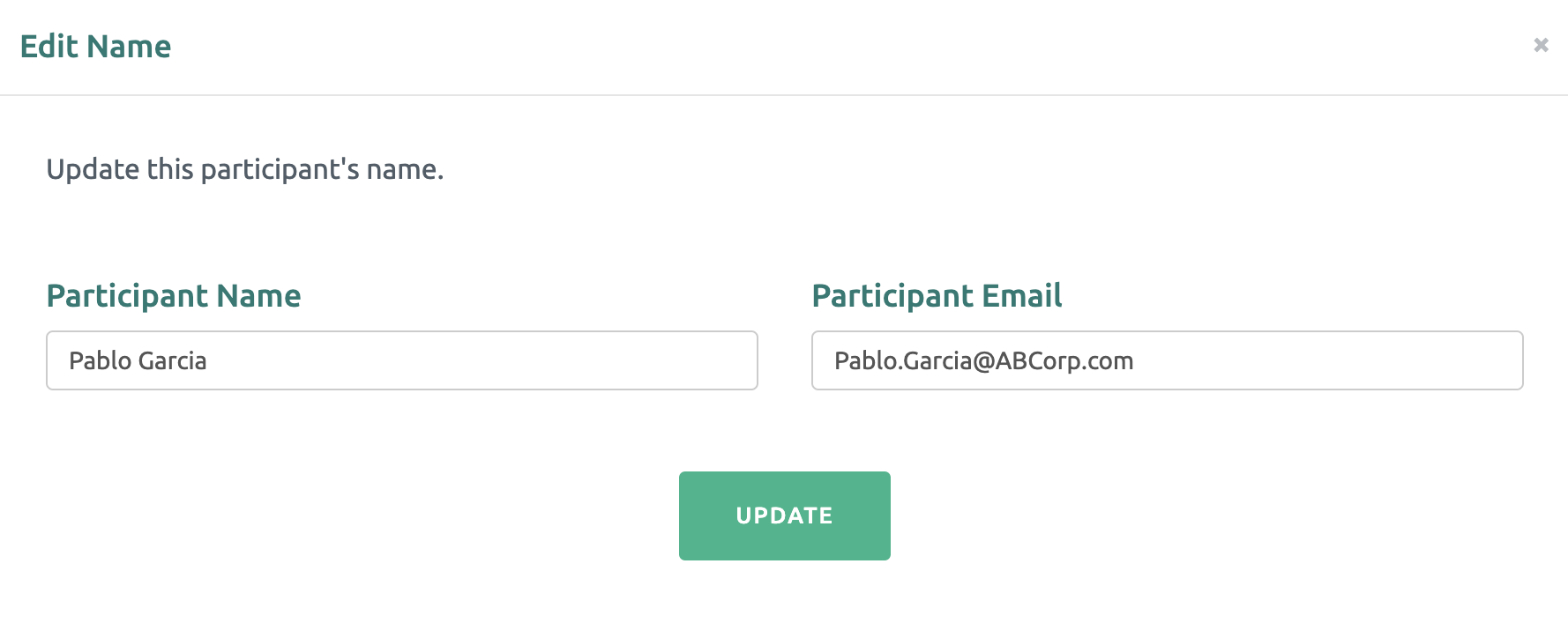
Edit the Name and/or email address and finally click the green Update button.
If the Participant's account has been activated and the name and/or email needs to be updated, the Participant can make the appropriate edits. For more information, click here: Edit Participant's Name / Email.