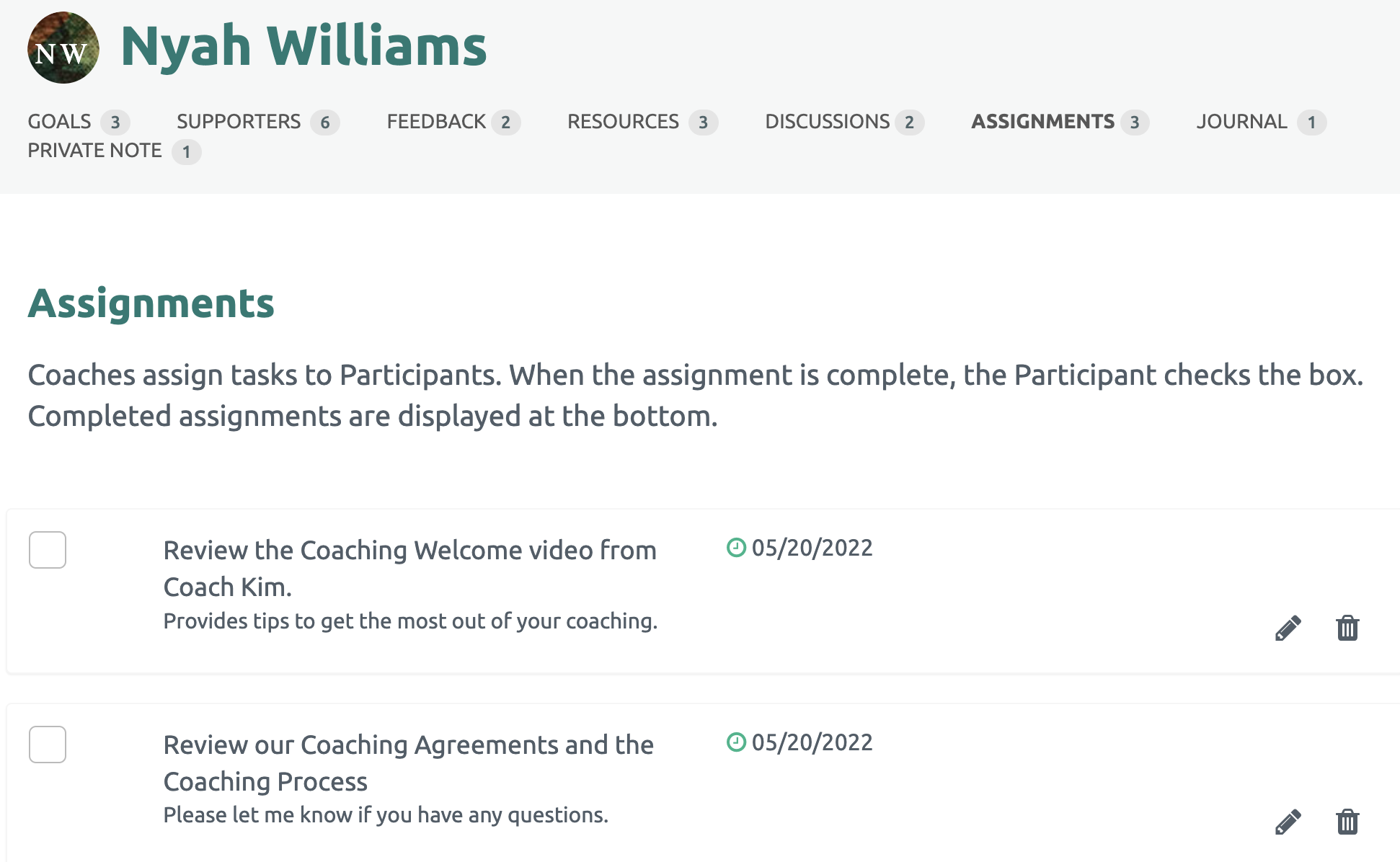
The Coach can view the Assignments that have been shared by clicking the Assignments link under the Participant's name. The number of shared Assignments is also displayed.
All of the shared Assignments are listed.
Updating a Shared Assignment
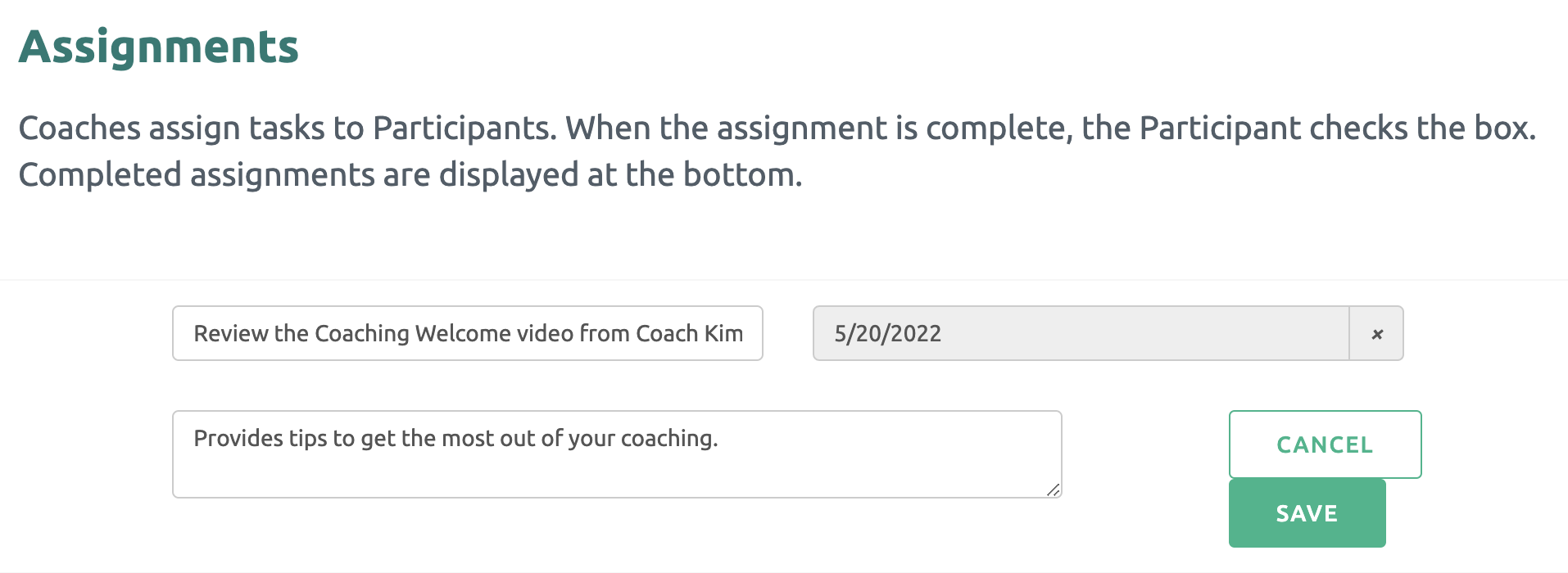
The Coach may update or delete the shared Assignment at any time. Click the pencil or trash can icon on the right side. When finished, click the "Save" green button.
NOTE: The pencil (edit) and trash can (delete) options are only available to the Coach.