

When the Pulse Feedback survey requests are sent (either on an automated schedule or on demand), the Supporter(s) receive an email similar to the example below.
NOTE: The email is sent from Coachmetrix (noreply@coachmetrix.com).
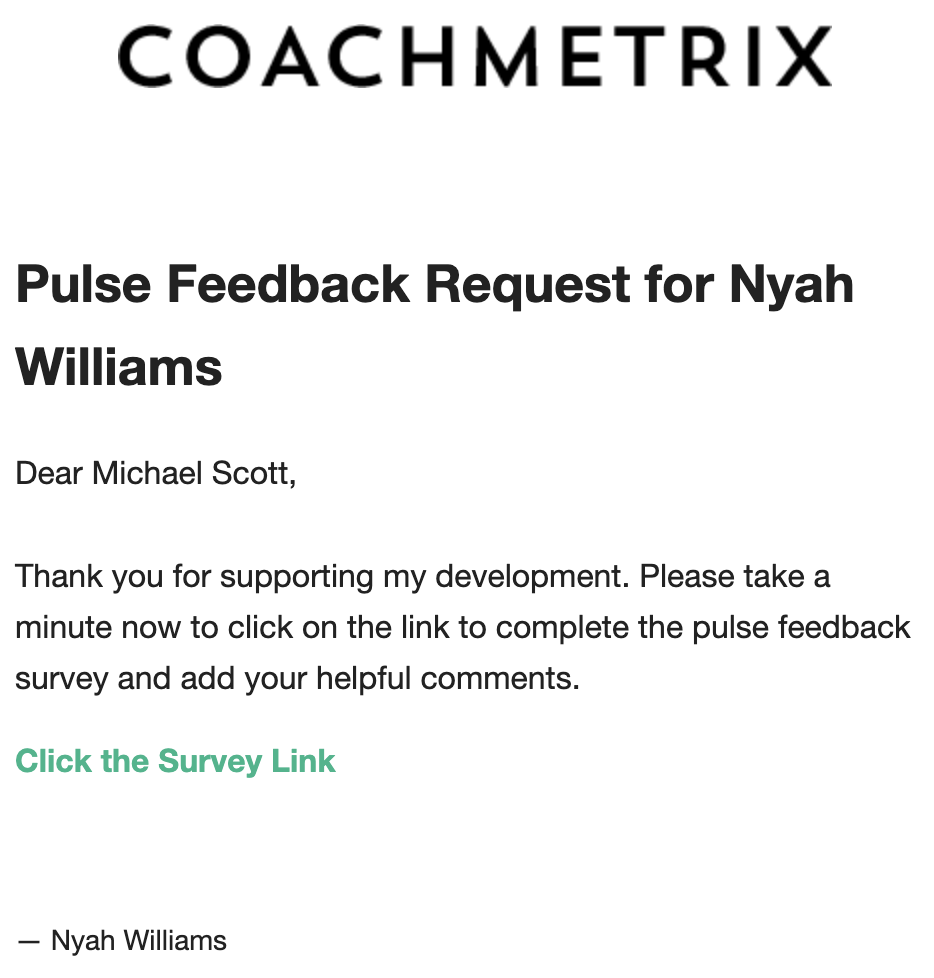
To access the Pulse Feedback survey, the Supporter(s) click the green link within the email they received. This will open a landing page with the Pulse Feedback survey.
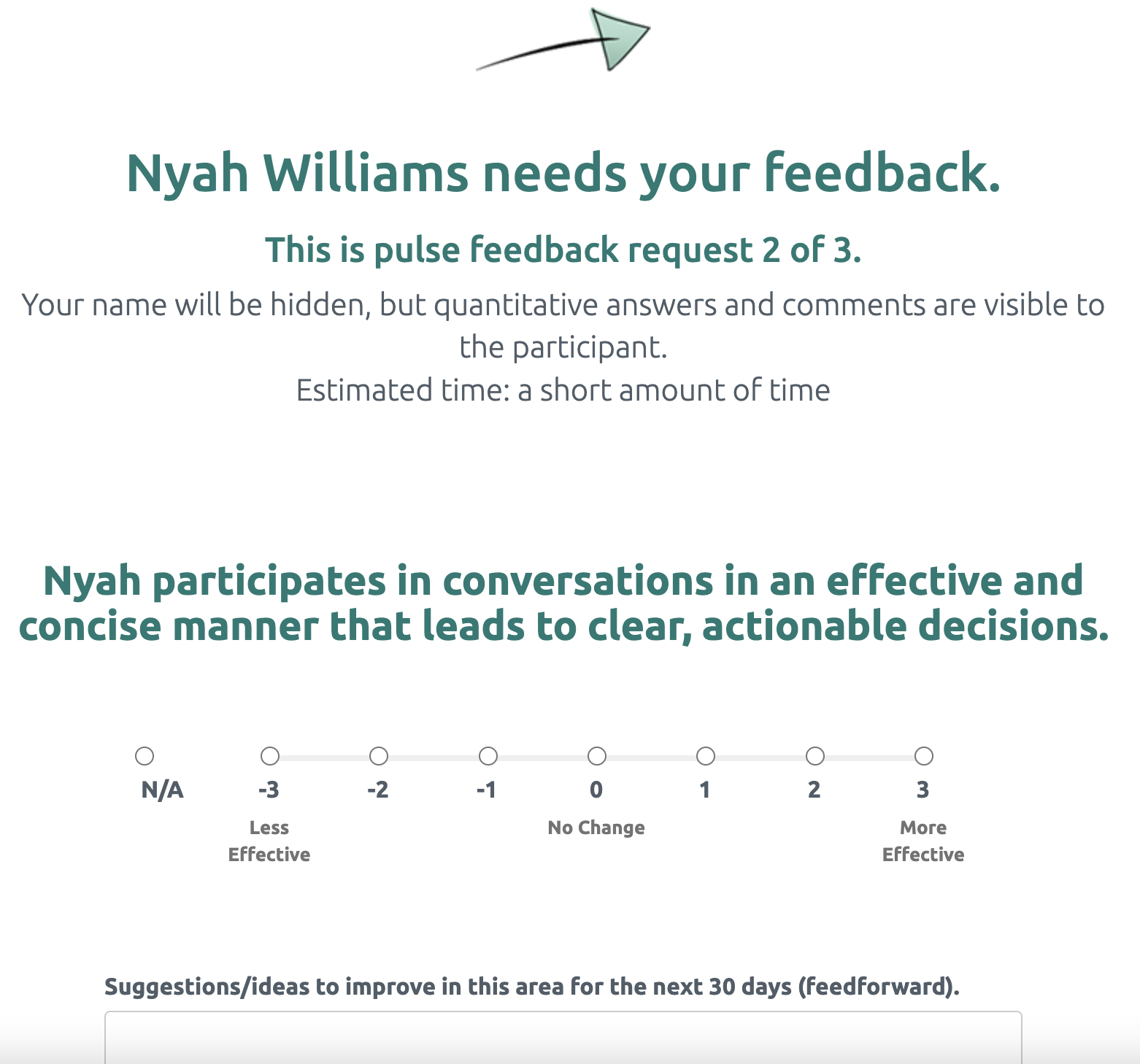
An example of the Pulse Feedback survey is below.
Responding to A Pulse Feedback Survey Request
The Participant's name is displayed at the top as well as where this request falls within the program (number of rounds). Each of the Goals assigned are displayed with the established scale and a comments text box.
Once the Supporter(s) have completed the survey, they click the green Submit button at the bottom of the page.