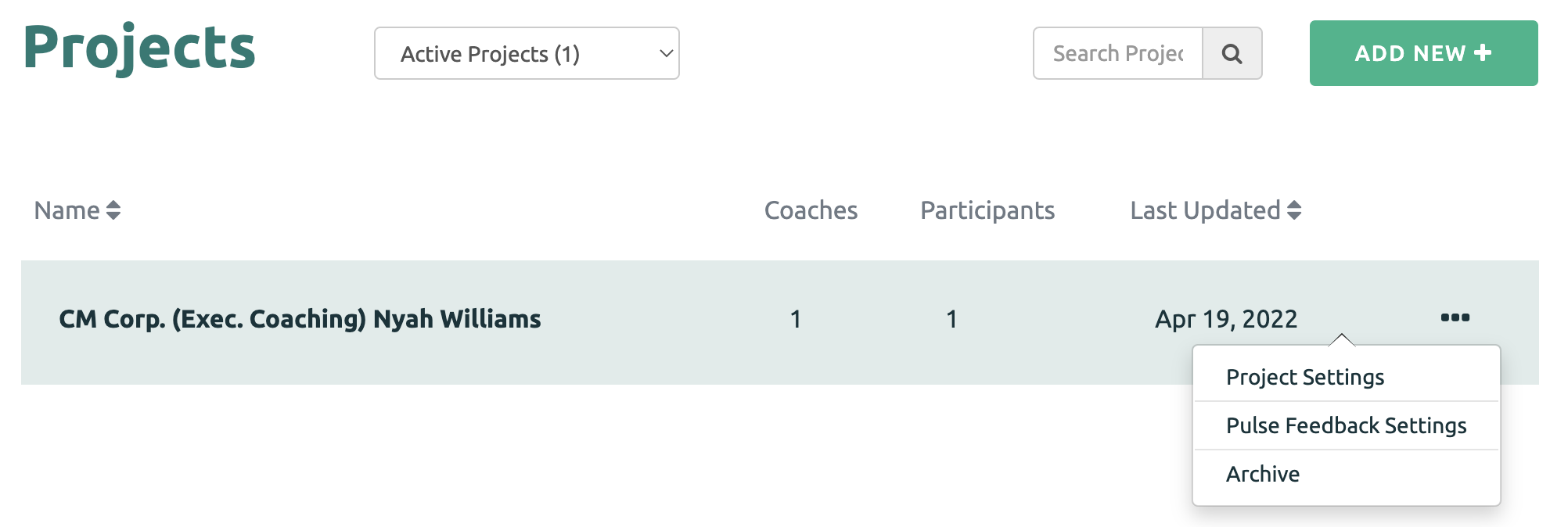
Anchor values can be found by clicking the Pulse Feedback Settings option next to the Project name.
There are different anchor value options available to Coaches when setting up Pulse Feedback.
These anchors can be used with an Immediate Pulse Feedback request or if the Pulse Feedback is automated.
Remember, the values are locked once the Pulse Feedback has been initiated.
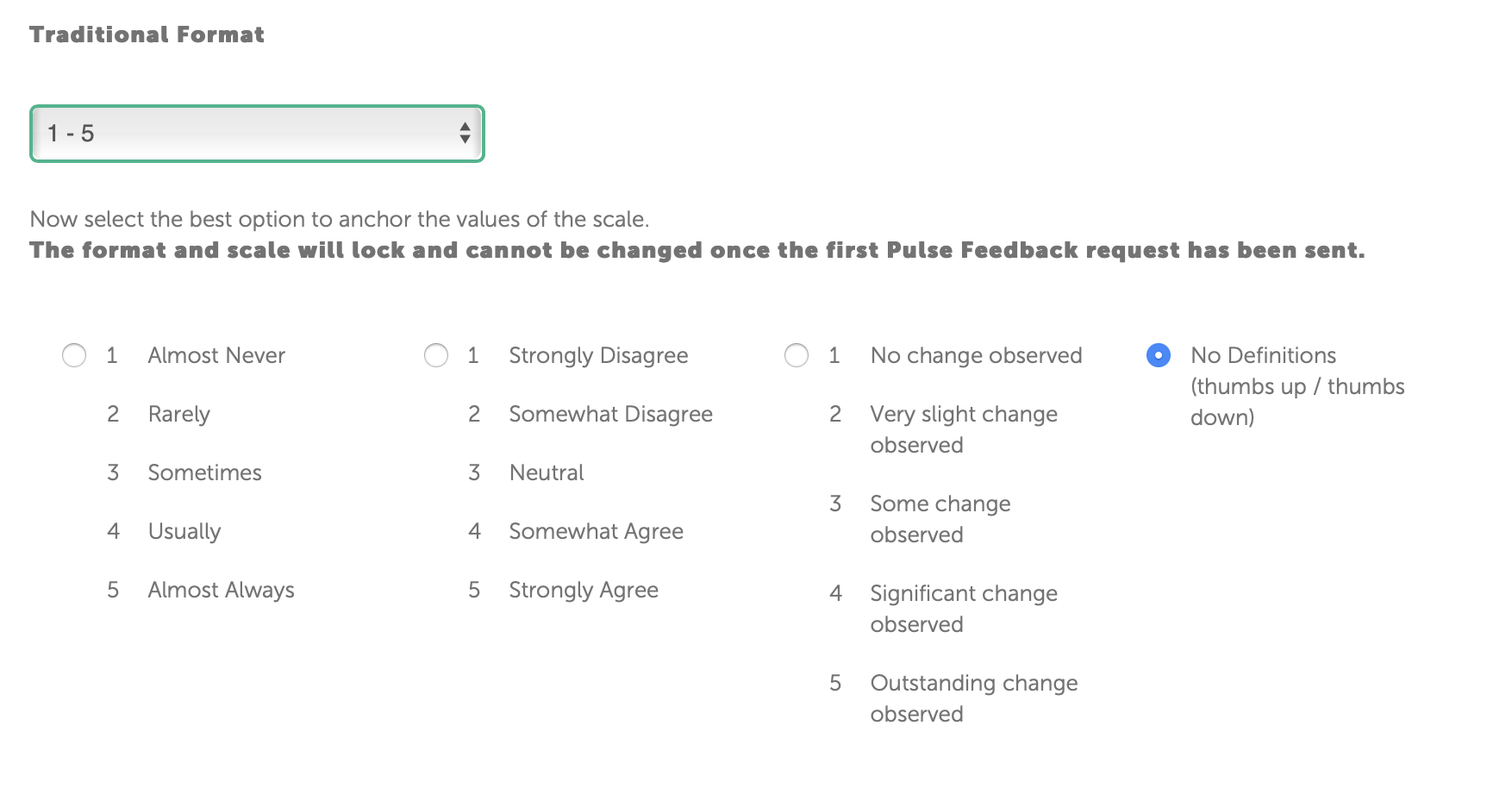
Traditional Format (1-5 Scale)
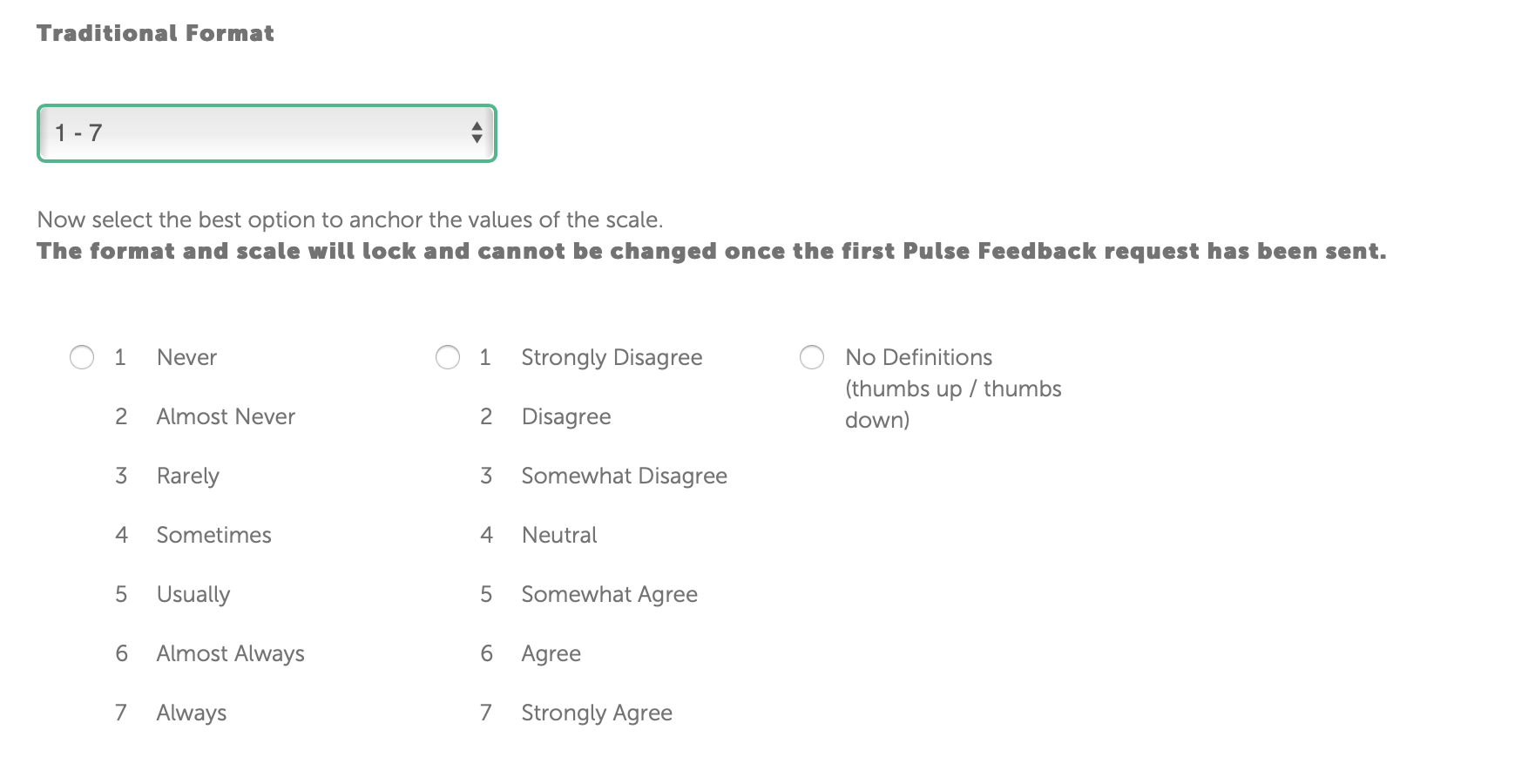
Traditional Format (1-7 Scale)
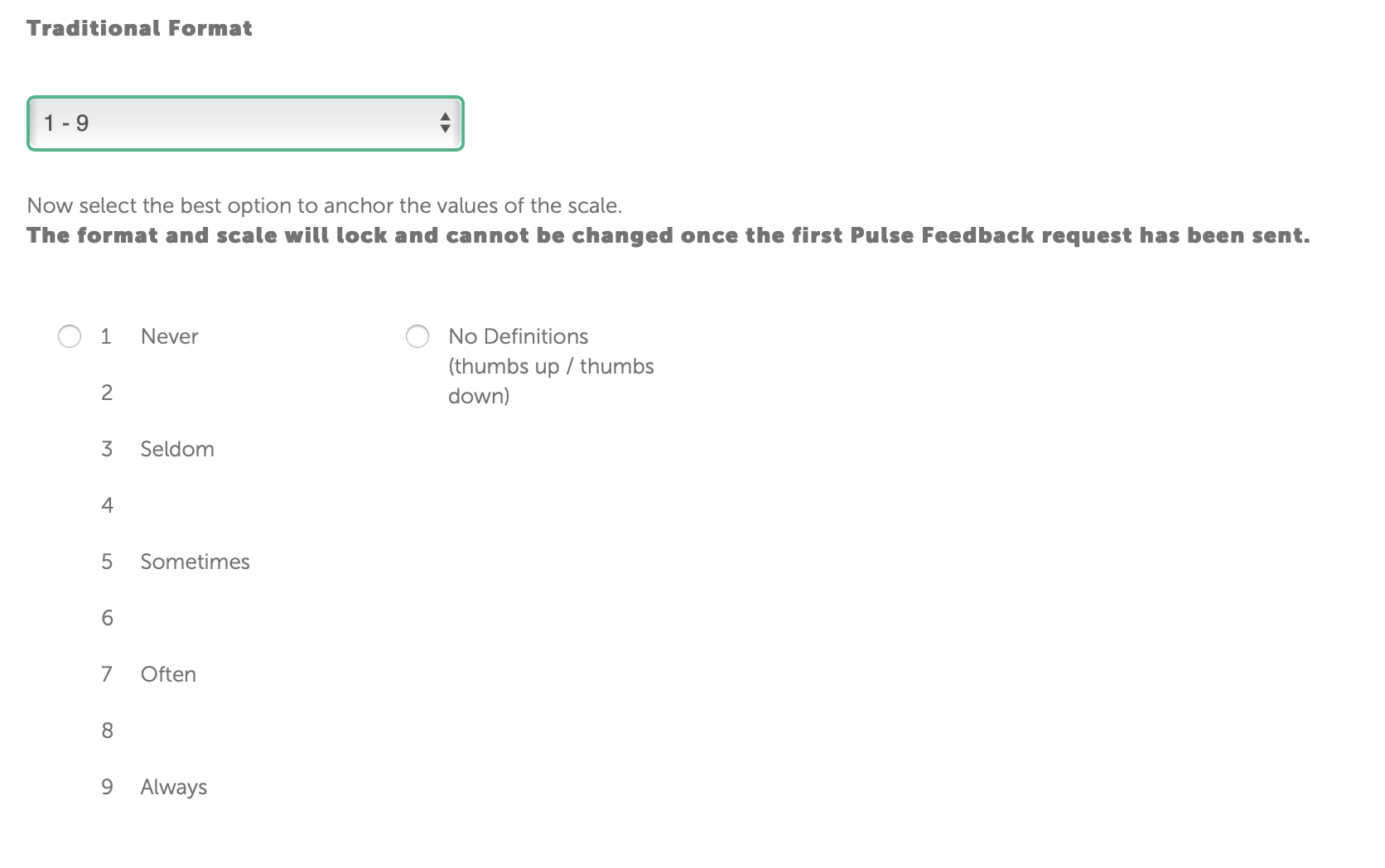
Traditional Format (1-9 Scale)
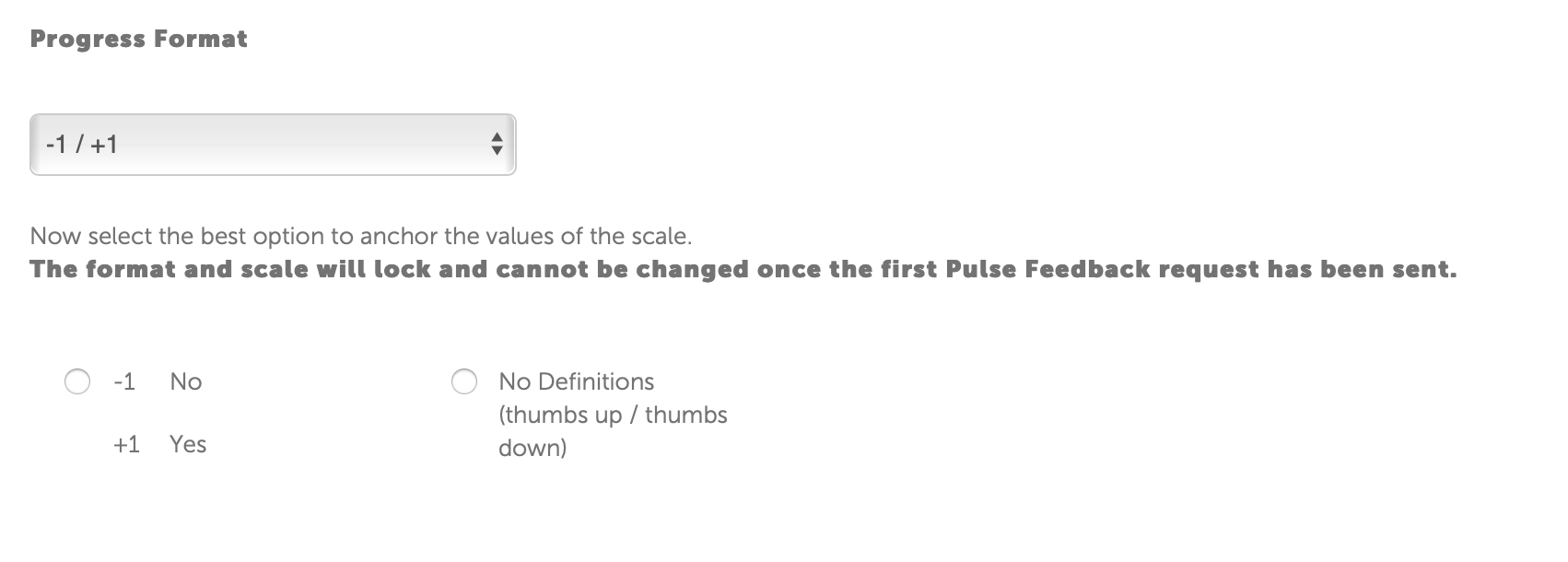
Progress Format (-1 / +1)
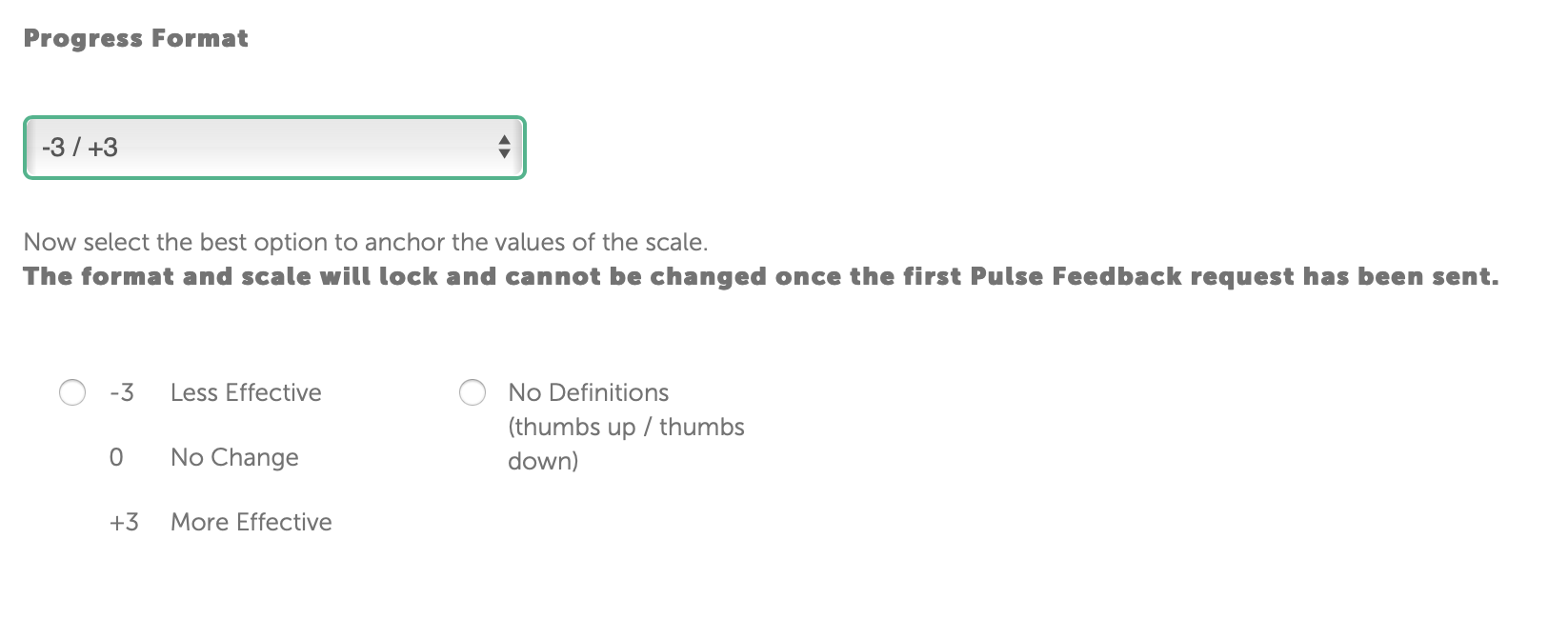
Progress Format (-3 / +3)